1
Symbologies
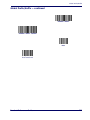
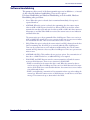
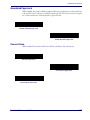
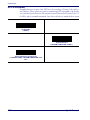
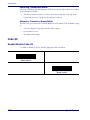
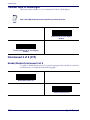
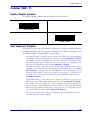
Decode UPC/EAN/JAN Supplementals
Supplementals are bar codes appended according to specific format conventions (e.g.,
UPC A+2, UPC E+2, EAN 13+2). Six options are available.
•
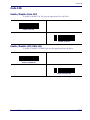
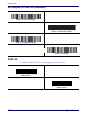
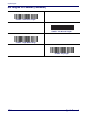
If Decode UPC/EAN/JAN Only With Supplementals is selected, UPC/EAN bar codes
without supplementals are not decoded.
•
If Ignore Supplementals is selected, and the scanner is presented with a UPC/EAN/
JAN with a supplemental, the UPC/EAN/JAN is decoded and the supplemental bar
code is ignored.
•
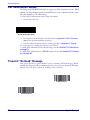
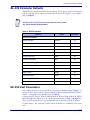
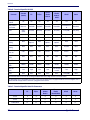
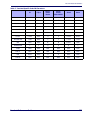
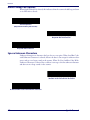
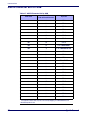
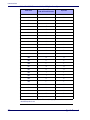
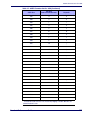
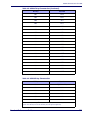
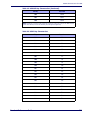
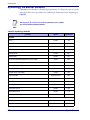
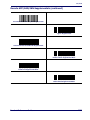
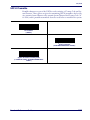
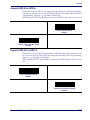
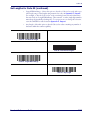
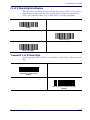
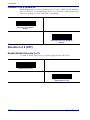
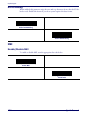
An Autodiscriminate Option is also available. If this option is selected, choose an appropriate value from the next page. A value of 5 or more is recommended.
•
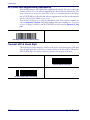
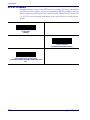
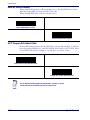
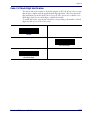
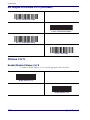
Select Enable 378/379 Supplemental Mode to delay only EAN-13/JAN-13 bar codes
starting with a ‘378’ or ‘379’ prefix by the supplemental search process. All other UPC/
EAN/JAN bar codes are exempted from the search and are reported instantly upon
decode.
•
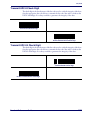
Select Enable 978 Supplemental Mode to delay only EAN-13/JAN-13 bar codes starting
with a ‘978’ prefix by the supplemental search process. All other UPC/EAN bar codes are
exempted from the search and are reported instantly upon their decode.
•
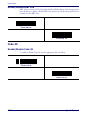
Select Enable Smart Supplemental Mode to delay only EAN-13/JAN-13 bar codes starting with a ‘378’, ‘379’, or ‘978’ prefix by the supplemental search process. All other UPC/
EAN bar codes are exempted from the search and are reported instantly upon their
decode.
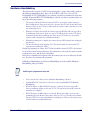
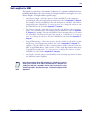
To minimize the risk of invalid data transmission, select either to decode or
ignore supplemental characters.
NOTE
102
QuickScan® L