1
NOTE
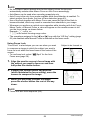
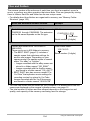
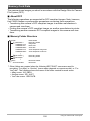
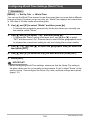
• The Self-timer cannot be used together with the following features.
Continuous Shutter, certain BEST SHOT scene (Voice Recording)
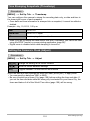
• The Triple Self-timer cannot be used together with the following feature.
– BEST SHOT scene (For YouTube)
– easy Mode
– Movie Recording
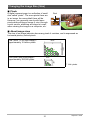
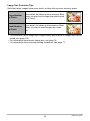
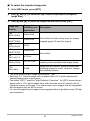
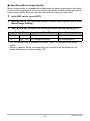
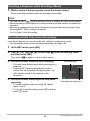
Specifying the Auto Focus Area (AF Area)
Û Spot
This mode takes readings of a small area in the center of the
image. This setting works well with focus lock (page 58).
È Multi
When you half-press the shutter button while this setting selected,
the camera will select the optimum Auto Focus area from among
nine possible areas. The focus frame of the area where the
camera focuses will be displayed in green.
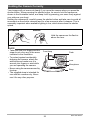
Ë Tracking
Half-pressing the shutter button focuses on the subject and
causes the focus frame to track the movement of the subject.
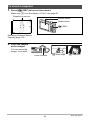
1.
In the REC mode, press [SET].
2.
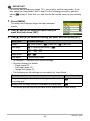
Use [8] and [2] to select the fifth Control Panel option from the top
(AF Area).
3.
Use [4] and [6] to select the setting you want and then press [SET].
4.
Point the camera at the subject and half-press the shutter button. Wait
until the camera adjusts exposure and focus automatically.
38
Snapshot Tutorial