1
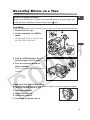
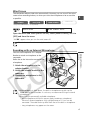
Loading/Unloading a Cassette
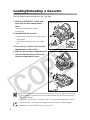
Use only video cassettes marked with the D logo.
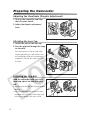
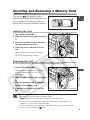
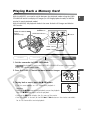
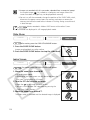
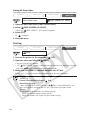
1. Slide the OPEN/EJECT switch and
open the cassette compartment
cover.
Tape protection tab
The cassette compartment opens
automatically.
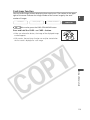
2. Load/unload the cassette.
• Load the cassette with the window facing
the grip belt.
w
• Unload the cassette by pulling it straight
out.
e
q
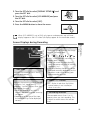
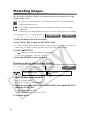
3. Press the P mark on the cassette
compartment until it clicks.
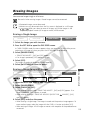
4. Wait for the cassette compartment to
retract automatically and close the
cassette compartment cover.
r
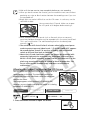
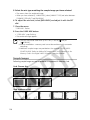
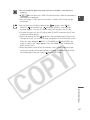
❍ Do not interfere with the cassette compartment while it is opening or closing
automatically, or attempt to close the cover before the cassette compartment
has fully retracted.
❍ Be careful not to get your fingers caught in the cassette compartment cover.
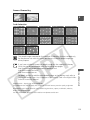
If the camcorder is connected to a power source, cassettes can be loaded/
unloaded even if the POWER switch is set to OFF.
14