1
Active charcoal filter
The prompt to change the active
charcoal filter will occur approx. every 6
months.
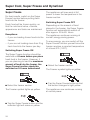
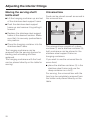
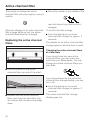
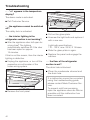
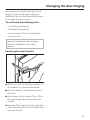
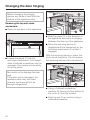
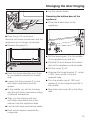
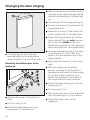
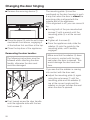
^ Place the retainer in the middle of the
rear limit stop of any shelf so that it
engages.
When the display for an active charcoal
filter change lights up red, the active
charcoal filters must be changed.
Replacing the active charcoal
filters
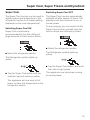
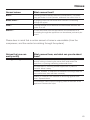
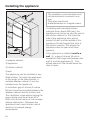
To confirm the filter change,
^ touch the display for an active
charcoal filter change for approx. 2
seconds.
The display for an active charcoal filter
change goes out and the timer is reset.
Changing the active charcoal filters
at a later date
If you do not have any new active
charcoal filters, you can order new
ones from your Miele dealer. You can
change the active charcoal filters at a
later date.
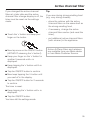
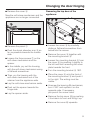
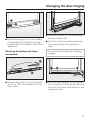
^ Pull the retainer for the active
charcoal filters up and off the shelf.
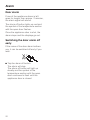
If you are bothered by the red active
charcoal filter change display, you can
turn it off:
^ touch the display for an active
charcoal filter change for approx. 2
seconds.
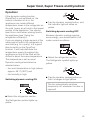
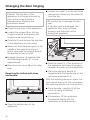
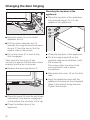
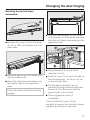
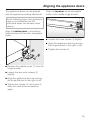
^ Remove the two active charcoal
filters and insert the new filters into
the retainer with the encircling edge
down.
38
The active charcoal filter change
display goes out.