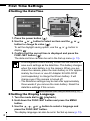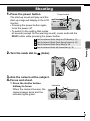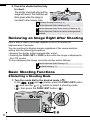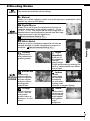
1
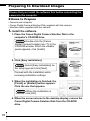
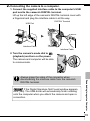
2. Connecting the camera to a computer.
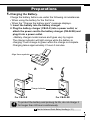
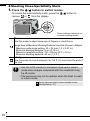
1. Connect the supplied interface cable to the computer's USB
port and to the camera's DIGITAL terminal.
Lift up the left edge of the camera's DIGITAL terminal cover with
a fingernail and plug the interface cable in all the way.
USB Port
DIGITAL Terminal
Interface Cable
Interface Cable
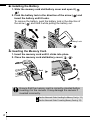
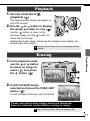
2. Turn the camera's mode dial to
(playback) and turn on the power.
The camera and computer will be able
to communicate.
If the Digital Signature Not Found window appears,
click [Yes]. The USB driver will automatically finish installing
onto the computer when you attach the camera and open a
connection.
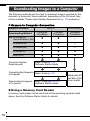
Downloading Images to a Computer
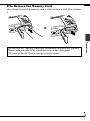
Always grasp the sides of the connector when
disconnecting the interface cable from the camera's
DIGITAL terminal.
19