1
Synergy 4100 – Issue 5 – Edition 1 – 18.01.07 – 7993
56
Text messaging
You can enter up to 4 Service Centre numbers.
The Incoming Service number is: 080058752.
The Outgoing Service number is: 1470P1709400.
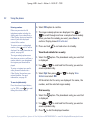
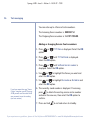
Adding or changing Service Centre numbers
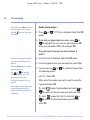
1. Press
option.
Menu
Menu
or
, TXT Menu is displayed. Select the OK
Menu
2. Press
or
until TXT Settings is displayed.
Select the OK option.
Menu
Menu
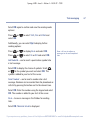
3. Press
or
until Setting Server number is
displayed. Select the OK option.
Menu
Menu
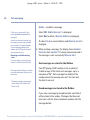
4. Use
or
to highlight the Server you want and
select the OK option.
Menu
Menu
5. Use
or
to highlight Incoming or Outgoing and
select the OK option.
Menu
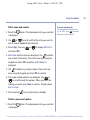
If you have more than one ‘Server
Centre’ stored on your BT Synergy
4100 you will need to select which
one you want to use for sending
(see next section).
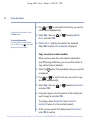
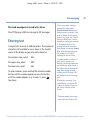
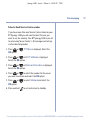
6. The currently saved number is displayed. If necessary,
press
to delete the existing service centre number
and enter the new one, then select the OK option to
confirm.
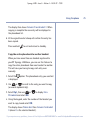
7. Press and hold
to exit and return to standby.
If you experience any problems, please call the Helpline on 0870 605 8047 or email [email protected]