1
CHAPTER 2 DRIVER AND SOFTWARE
Device Options Tab
1
2
1.
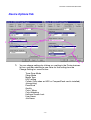
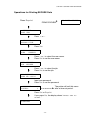
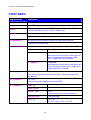
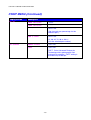
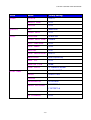
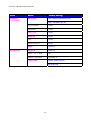
You can change settings by clicking on a setting in the Printer features
list box, and then selecting a new value for that setting from the
Change Setting for: xxxxx list box.
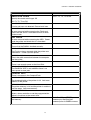
Toner Save Mode
Sleep Mode
Media Type
HRC setting
Collate (Only when an HDD or CompactFlash card is installed)
Job spooling
Pass Word
Quality
Color / Mono
Color Matching
Halftone Screen Lock
User Name
Job Name
2-13