1
GEBRUIKERSHANDLEIDING
BROUGHAM
*
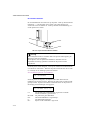
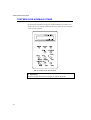
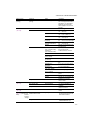
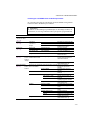
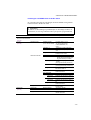
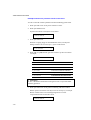
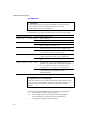
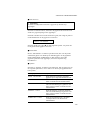
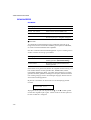
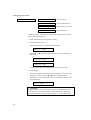
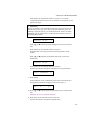
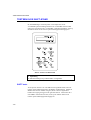
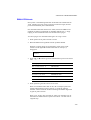
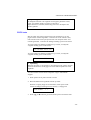
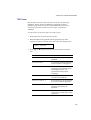
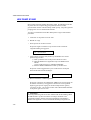
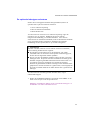
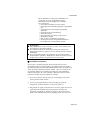
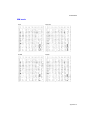
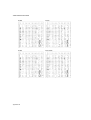
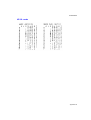
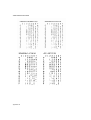
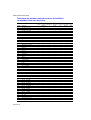
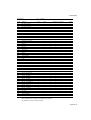
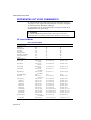
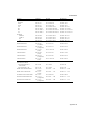
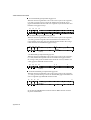
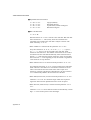
5. Druk op ▲ of ▼ totdat het gewenste font op het LCD-scherm staat.
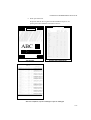
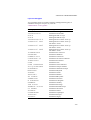
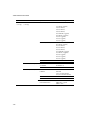
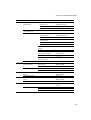
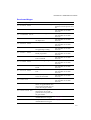
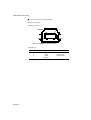
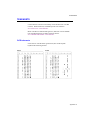
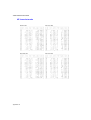
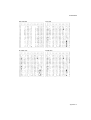
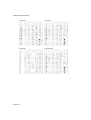
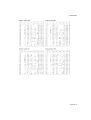
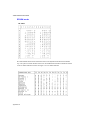
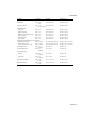
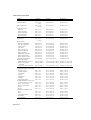
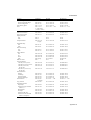
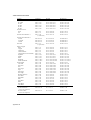
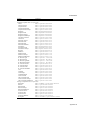
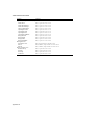
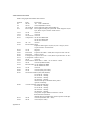
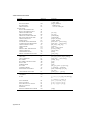
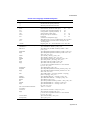
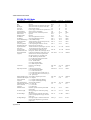
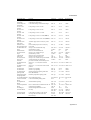
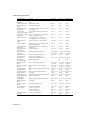
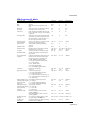
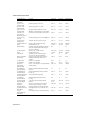
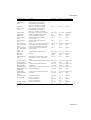
Raadpleeg de lijst van fonts.
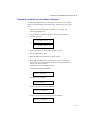
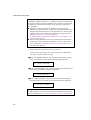
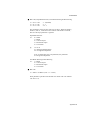
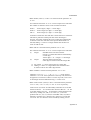
6. Druk op SET toom de getoonde selectie te activeren.
Welke stappen u volgt is afhankelijk van het type font, schaalbaar of
bitmapped.
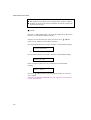
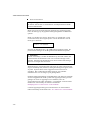
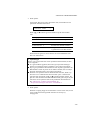
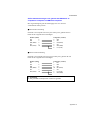
■ Selecteert u een resident rasterfont (Letter Gothic 16.66) of optionele
rasterfonts, dan wordt overgeschakeld naar het menu voor het instellen
van de tekenset.
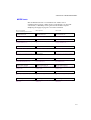
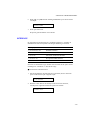
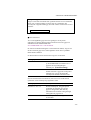
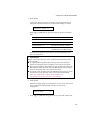
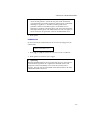
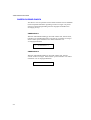
KIES TEKENSET
Ga door naar stap 7.
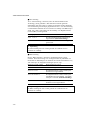
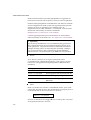
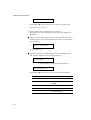
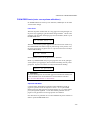
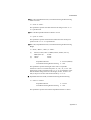
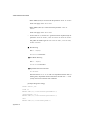
■ Selecteert u residente schaalbare fonts of optionele schaalbare fonts,
dan wordt het instelmenu voor de fontstijl getoond.
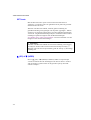
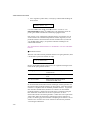
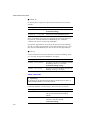
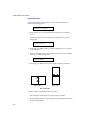
BROUGHAM
Het instelmenu voor de fontstijl wordt geopend.
BROUGHAM Reg
*
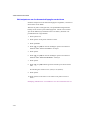
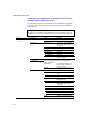
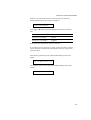
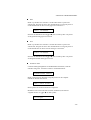
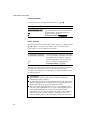
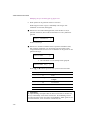
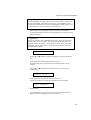
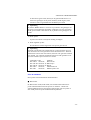
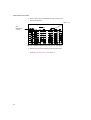
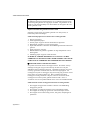
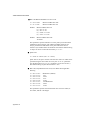
Druk op ▲ of ▼ totdat de gewenste stijl op het LCD-scherm staat.
4-60
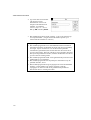
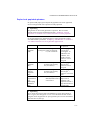
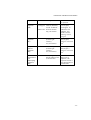
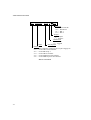
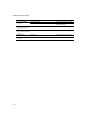
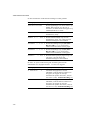
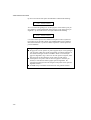
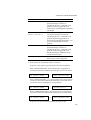
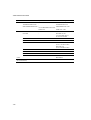
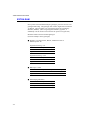
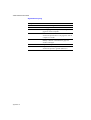
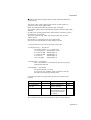
Melding op LCD-scherm
Fontstijl
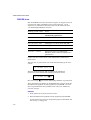
........ Lt
Licht
........ Reg
Normaal, Roman, Book of
Antique
........ Bd
Vet of Demi
........ Xb
Extra vet
........ It
Cursief of Schuin