1
Entertainment Systems
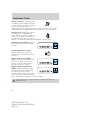
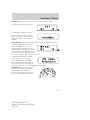
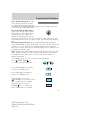
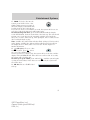
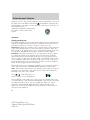
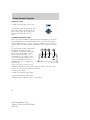
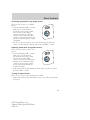
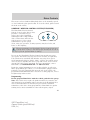
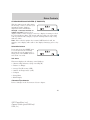
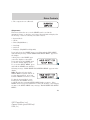
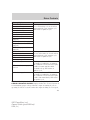
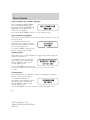
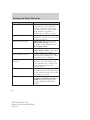
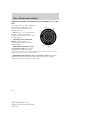
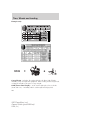
In satellite radio mode (if equipped), press and release to enter
TEXT MODE and display the current song title. While in TEXT MODE,
press again to scroll through the current song title, artist, channel
category and the SIRIUS long channel name.
Press and hold to hear a brief sampling of the next channels. Press again
to stop.
In CATEGORY MODE, press SCAN to hear a brief sampling of the
channels in the selected category. Press again to stop.
Satellite radio is available only with a valid SIRIUS radio
subscription. Check with your authorized dealer for availability.
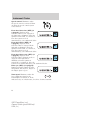
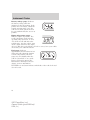
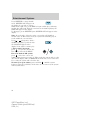
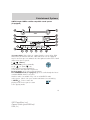
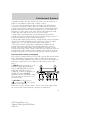
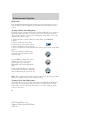
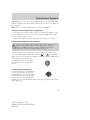
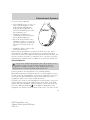
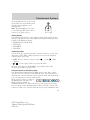
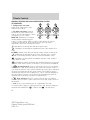
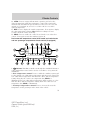
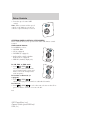
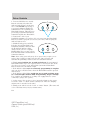
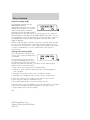
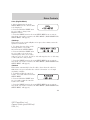
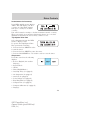
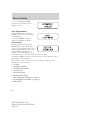
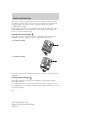
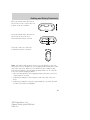
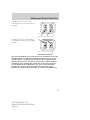
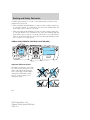
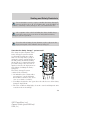
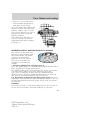
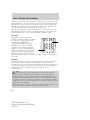
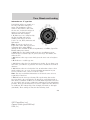
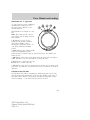
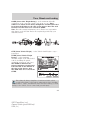
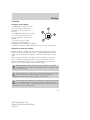
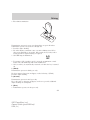
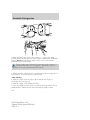
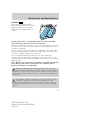
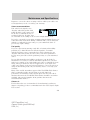
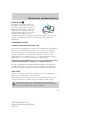
14. AM/FM: Press to select
AM/FM1/FM2 frequency band.
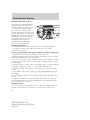
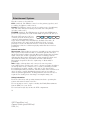
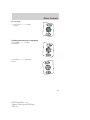
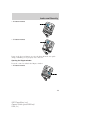
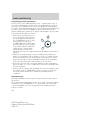
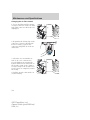
15. ON/OFF/Volume: Press
VOL-PUSH to turn ON/OFF. Turn
VOL-PUSH to increase/decrease
volume.
Note:If the volume is set above a
certain level and the ignition is turned off, the volume will come back on
at a “nominal” listening level when the ignition switch is turned back on.
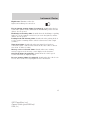
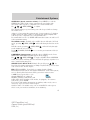
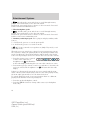
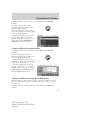
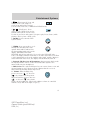
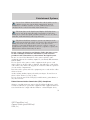
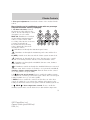
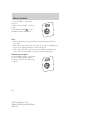
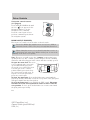
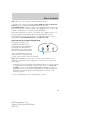
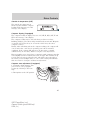
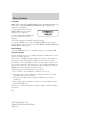
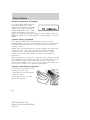
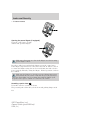
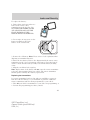
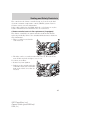
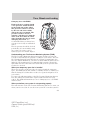
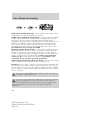
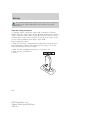
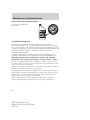
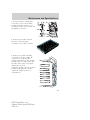
16. CD: Press to enter CD mode. If
a CD is already loaded into the
system, CD play will begin where it
ended last. If no CD is loaded, NO DISC will appear in the display.
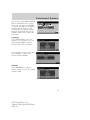
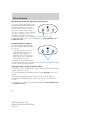
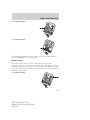
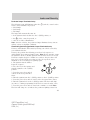
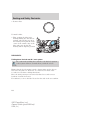
17. CD eject: Press to eject a
CD/MP3.
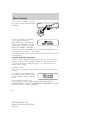
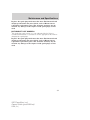
18. CD slot: Insert a CD label side
up.
30
2007 Expedition (exd)
Owners Guide (post-2002-fmt)
USA (fus)