1
5.0 Automatic Operation
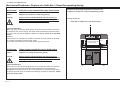
Continuing: Selecting a Program
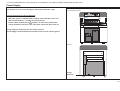
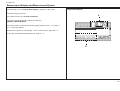
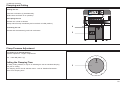
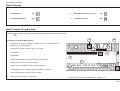
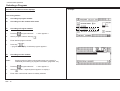
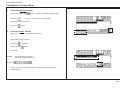
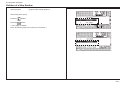
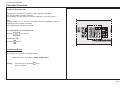
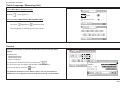
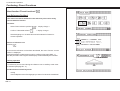
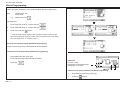
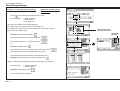
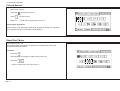
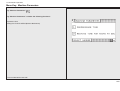
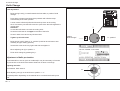
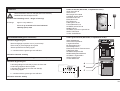
Select a character using the cursor keys (with the equal key
you
can jump over five characters in a line), then press cursor key
"Home" *
4.
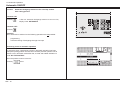
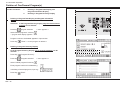
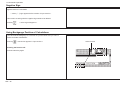
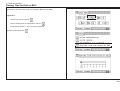
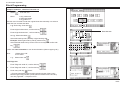
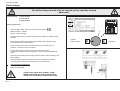
Press key
5.
Press key
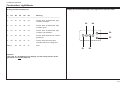
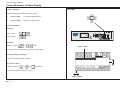
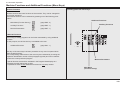
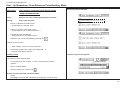
Numerical keyboard
< character is inserted into input section >
(multiply)
D
i
7 8 9
4 5 6 x
1 2 3
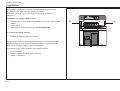
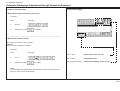
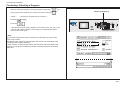
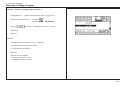
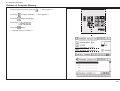
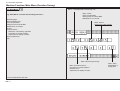
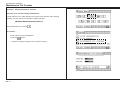
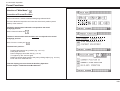
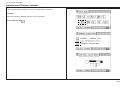
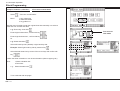
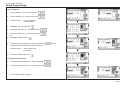
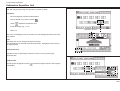
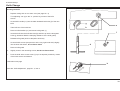
< the desired program (order) appears in the data section, the resp. order
number/order name is faded in. The fading in is automatically cleared
upon the next data input >
C 0
PROGRAMMABLE
* Note:
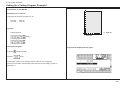
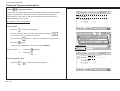
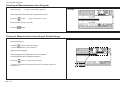
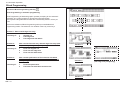
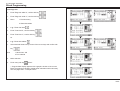
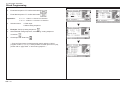
Input of order number/order name can be done by entering only a part of the
name or the number.
After pressing the "equal" key the computer will "search" for the desired order
according to the entered characters.
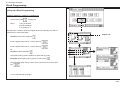
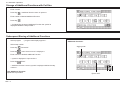
In case memory contains several orders with the same characters display will
show the next program number/name whose characters matches the entered
characters.
K5A - 13