1
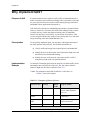
Configuring AppleTalk Routing
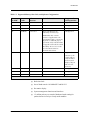
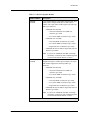
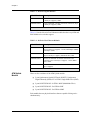
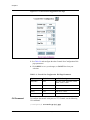
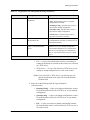
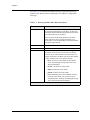
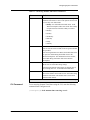
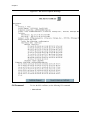
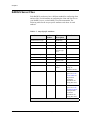
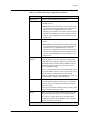
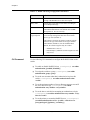
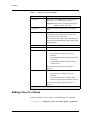
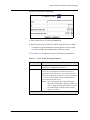
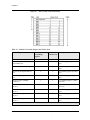
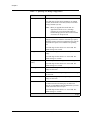
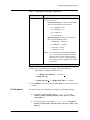
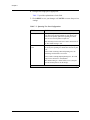
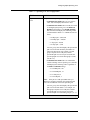
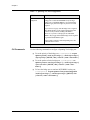
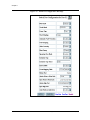
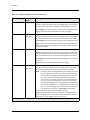
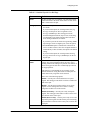
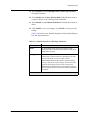
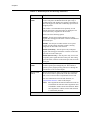
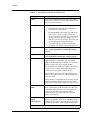
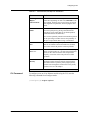
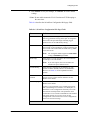
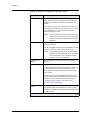
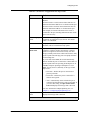
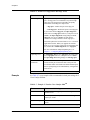
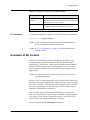
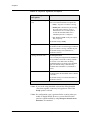
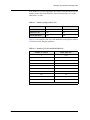
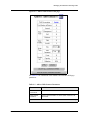
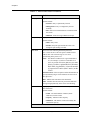
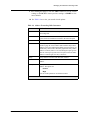
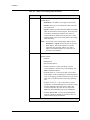
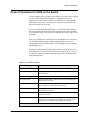
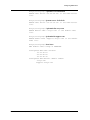
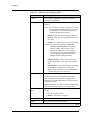
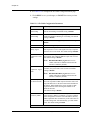
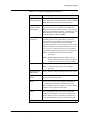
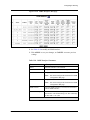
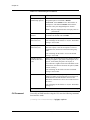
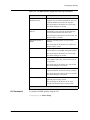
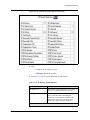
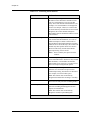
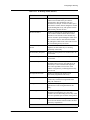
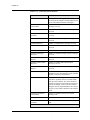
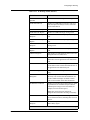
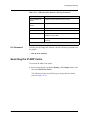
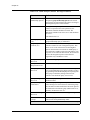
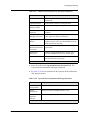
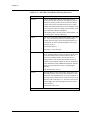
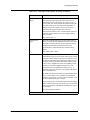
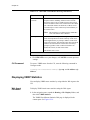
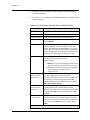
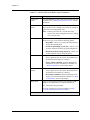
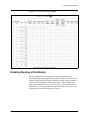
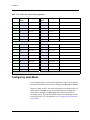
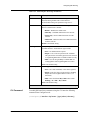
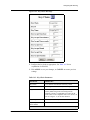
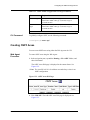
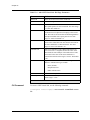
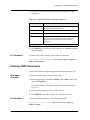
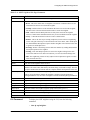
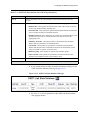
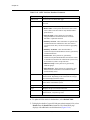
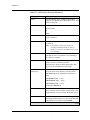
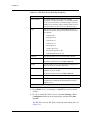
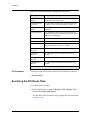
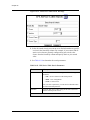
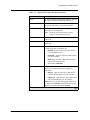
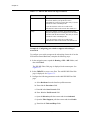
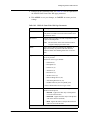
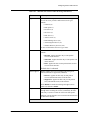
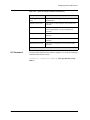
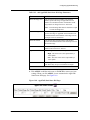
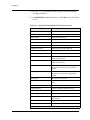
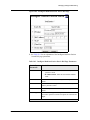
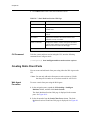
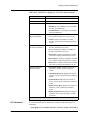
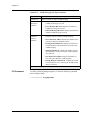
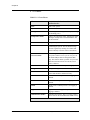
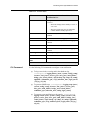
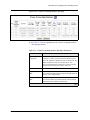
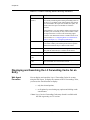
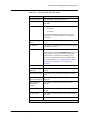
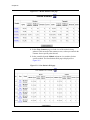
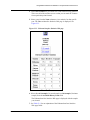
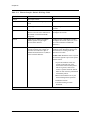
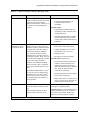
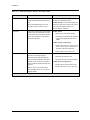
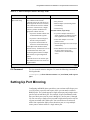
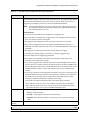
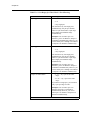
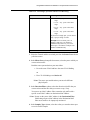
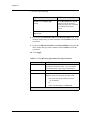
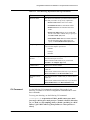
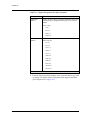
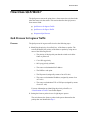
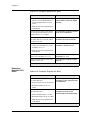
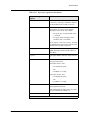
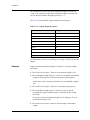
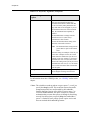
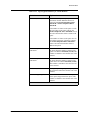
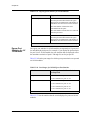
Table 19-5. AppleTalk Global Statistical Web Page Parameters
Parameter
Number of...
Config Addr Error
Configuration address errors detected.
Config Zone Error
Zone configuration errors detected.
RTMP Rq Rx
RTMP requests received.
RTMP Rq Tx
RTMP requests transmitted.
RTMP Rsp Rx
RTMP responses received.
RTMP Rsp Tx
RTMP responses transmitted.
RTMP RDR Rx
RTMP route data requests received.
RTMP RDR Tx
RTMP route data requests transmitted.
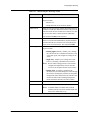
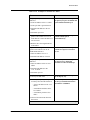
Zip Query Rx
ZIP queries received.
Zip Query Tx
ZIP queries transmitted.
Zip Reply Rx
ZIP replies received.
Zip Reply Tx
ZIP replies transmitted.
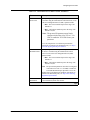
Zip Ext Reply Rx
ZIP extended replies received.
Zip Ext Reply Tx
ZIP extended replies transmitted.
Zip GNI Rq Rx
ZIP get net info request received.
Zip GNI Rq Tx
ZIP get net info request transmitted.
Zip GNI Rsp Rx
ZIP get net info response received.
Zip GNI Rsp Tx
ZIP get net info response transmitted.
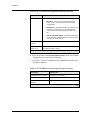
2 of 2
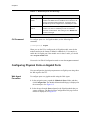
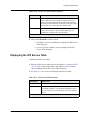
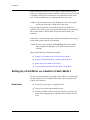
CLI Command
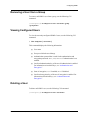
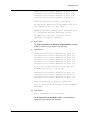
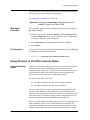
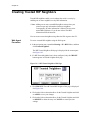
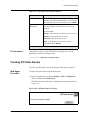
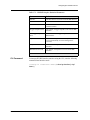
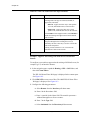
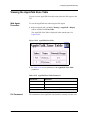
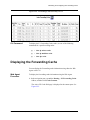
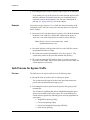
To view AppleTalk global statistics using the CLI, enter the following
command from Privileged mode:
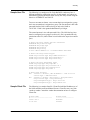
# show appletalk traffic
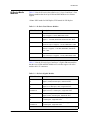
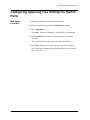
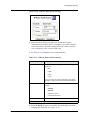
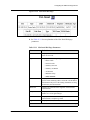
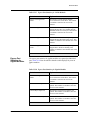
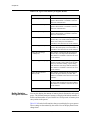
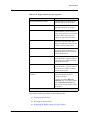
Viewing the AppleTalk Interface Statistics Table
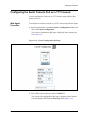
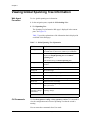
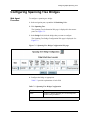
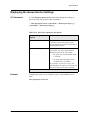
You can view the AppleTalk interface statistics table using either the Web
Agent or the CLI.
Web Agent
Procedure
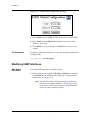
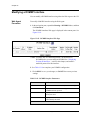
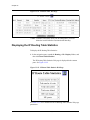
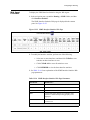
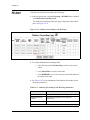
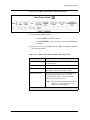
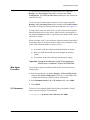
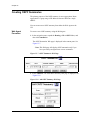
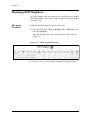
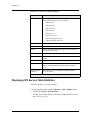
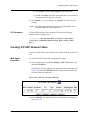
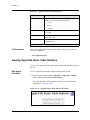
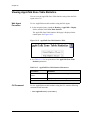
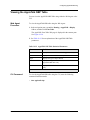
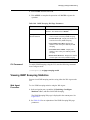
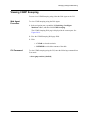
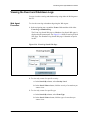
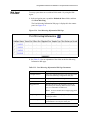
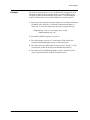
To view the AppleTalk Interface statistics table using the Web Agent:
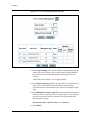
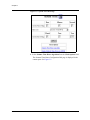
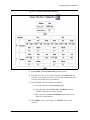
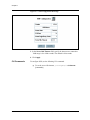
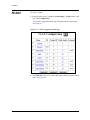
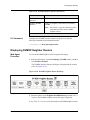
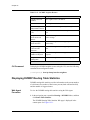
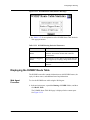
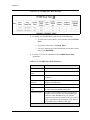
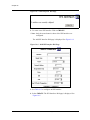
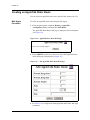
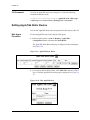
1. In the navigation pane, expand the Routing > AppleTalk > Display
folders, and then click Interface Statistics.
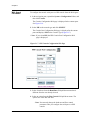
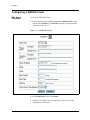
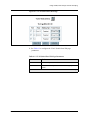
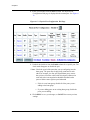
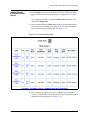
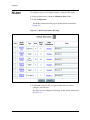
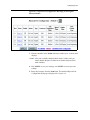
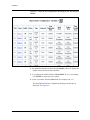
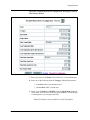
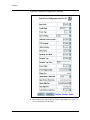
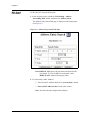
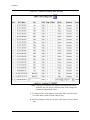
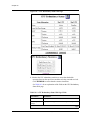
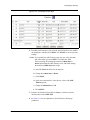
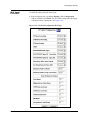
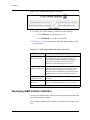
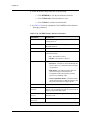
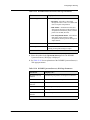
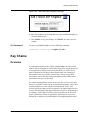
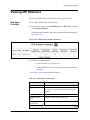
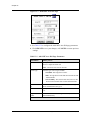
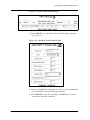
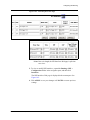
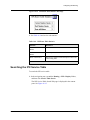
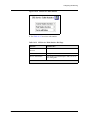
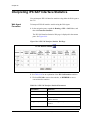
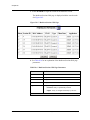
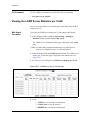
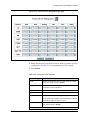
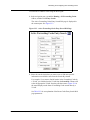
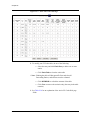
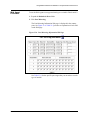
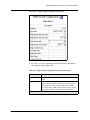
The AppleTalk Interface Statistics Table is displayed in the content
pane. See Figure 19-20.
Document No. 10-300077, Issue 2
19-25