1
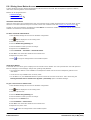
2.2.3 The Voicemail Pro Services
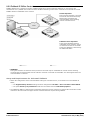
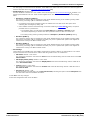
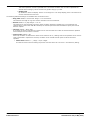
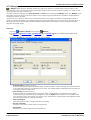
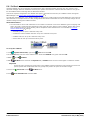
If Voicemail Pro has been installed successfully, if the server PC has been rebooted then the voicemail service is started
automatically. However it is useful know how to check the services and to manually restart them if necessary.
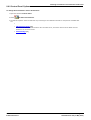
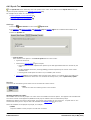
To check/restart the Voicemail Pro Service:
1.
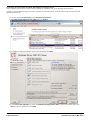
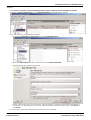
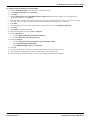
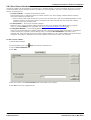
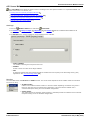
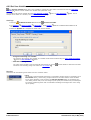
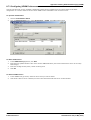
Open the Windows Control Panel.
2.
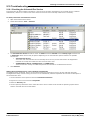
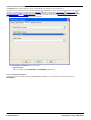
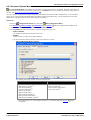
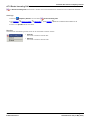
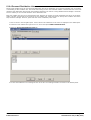
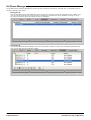
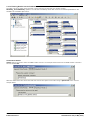
Select Administrative Tools > Services.
3.
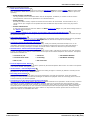
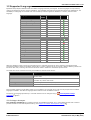
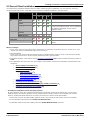
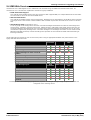
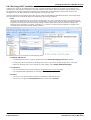
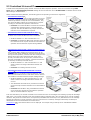
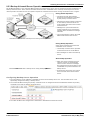
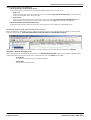
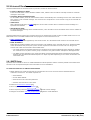
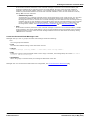
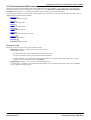
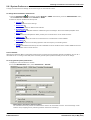
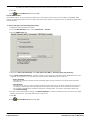
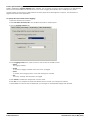
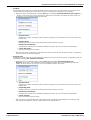
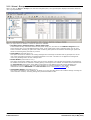
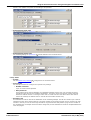
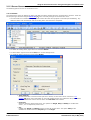
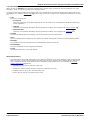
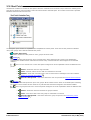
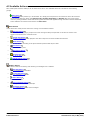
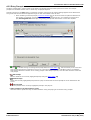
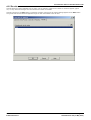
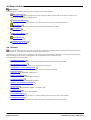
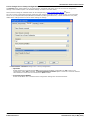
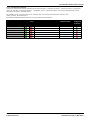
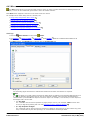
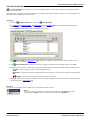
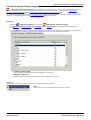
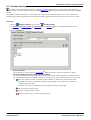
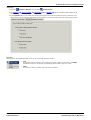
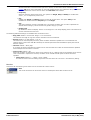
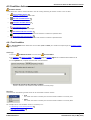
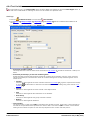
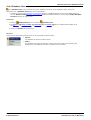
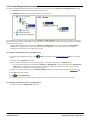
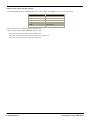
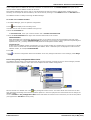
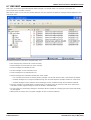
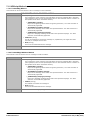
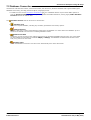
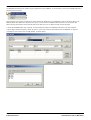
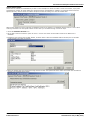
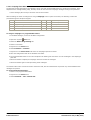
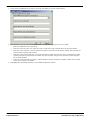
The Voicemail Pro Service should be visible. Its Status should be Started and the Startup Type should be set
to Automatic. Other services may be present depending on the Voicemail Pro options installed. The possible
services are:
4.
·
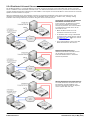
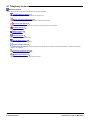
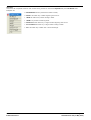
Voicemail Pro Service
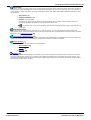
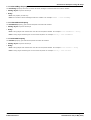
This is the main Voicemail Pro service. Normally this is the only service that needs to be stopped and
restarted. It will stop and restart the other services that it uses.
·
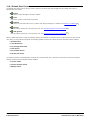
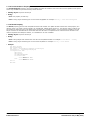
VPNM Database Server, VPIM Receiver and VPNM Server
These services are used by the VPNM components of Voicemail Pro if installed and licensed.
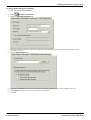
Close Services.
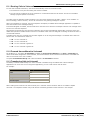
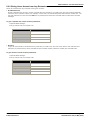
Setting the Voicemail Services or PC to Restart Automatically
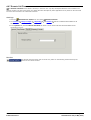
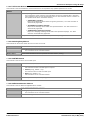
The following action is optional. If there is some fault causing the Voicemail Pro service to halt, that fault should be
investigated and fixed, however having the service or PC automatically restarted if possible will minimize the disruption to
the Voicemail Pro users.
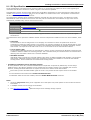
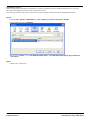
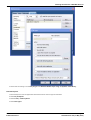
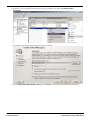
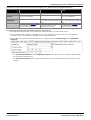
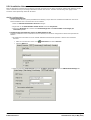
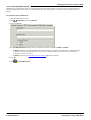
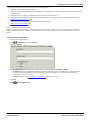
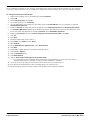
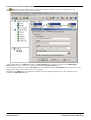
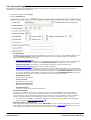
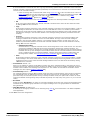
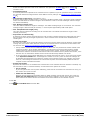
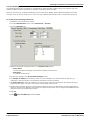
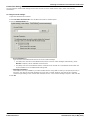
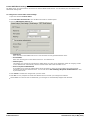
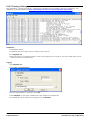
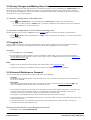
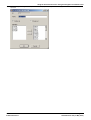
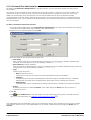
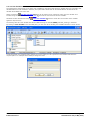
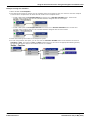
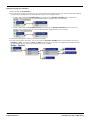
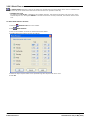
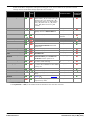
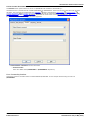
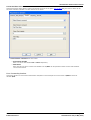
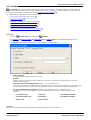
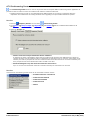
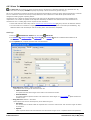
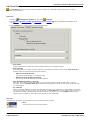
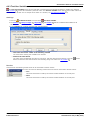
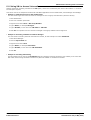
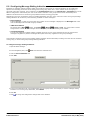
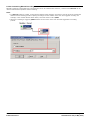
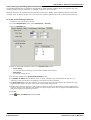
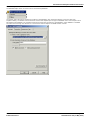
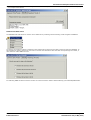
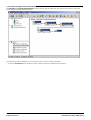
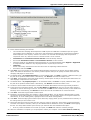
1. Use the Windows control panel to select the Voicemail Pro Service.
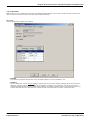
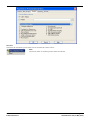
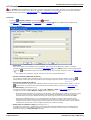
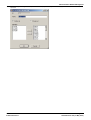
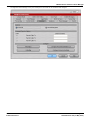
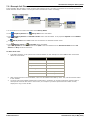
2. Right-click on the service and select Properties.
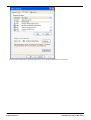
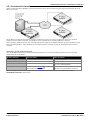
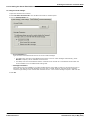
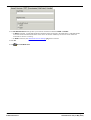
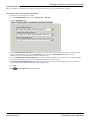
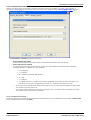
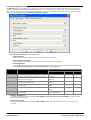
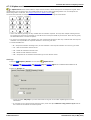
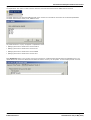
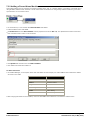
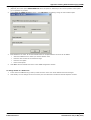
3. Select the Recovery tab.
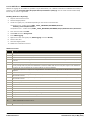
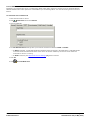
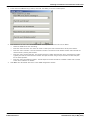
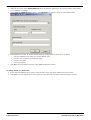
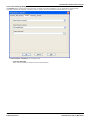
4. Use the options presented to either restart the service and or restart the PC should the operating system detect
that the Voicemail Pro service has halted.
Voicemail Pro Installation and Maintenance
IP Office Release 6
Page 32
15-601063 Issue 22e (16 May 2010)