1
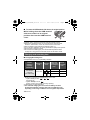
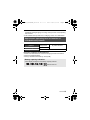
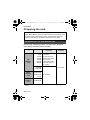
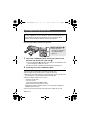
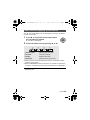
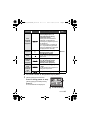
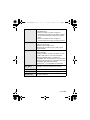
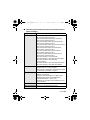
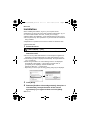
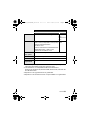
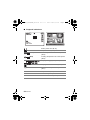
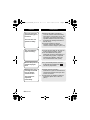
HM-TA1_PP-VQT2Z95_mst.book 27 ページ Playback operation Fast forward/ rewind playback 2010年7月27日 火曜日 午後9時20分 Icon Operating steps / Continue pressing 1 (fast forward playback) or 2 (rewind playback) during playback or pause. ≥ During fast forward/rewind playback, a playback bar showing the playback position is displayed. ≥ It will play back at a speed of 5k only while being pressed. Once it is released, scenes will be played back normally. Playback Press MENU/SET button or playback button during pause or stop. Stop Press W during pause. ≥ It will return to the beginning of the scene. Frame-byframe playback To the next (previous) scenes/ still pictures / With the playback paused, press 1 (Frame-by-frame playback) or 2 (Reverse frame-by-frame playback). / Press 1 or 2 during playback or stop. ≥ If 2 is pressed during playback, it will go into stop mode. / Press 1 or 2 during playback. Playback data Scenes Still pictures ∫ To select a scene or still picture to play back 1 (When playing back a scene) Press T during pause or stop. (When playing back still pictures) Press T. ≥ The thumbnails are displayed. A Thumbnail display VQT2Z95 27