1
Bt2811`F/cppl!!Qbhf!25!!Uvftebz-!Nbsdi!22-!3114!!22;5:!BN
English
14
Getting familiar with your computer
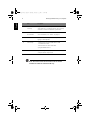
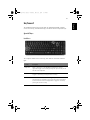
#
Description
3
Caps Lock active.
4
Num Lock active. (Note: the keypad lock must be turned on to use
the embedded numeric keypad.)
5
Scroll Lock active.
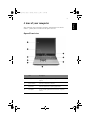
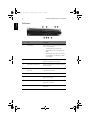
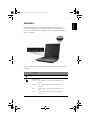
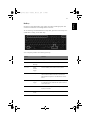
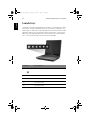
The two indicators located at the front of the unit provide the following status
information:
#
Description
1
Power mode:
Steady green
the computer is on (even if the display is
turned off).
Steady orange
Off
2
the computer is in standby mode.
the computer is turned off, or in hibernation
mode.
InviLink indicator:
Indicates status of (optional) wireless communication.