1
84
CHAPTER 4: MANAGING DEVICE SECURITY
Configuring ACL
Binding
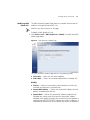
The ACL Binding Setup Page allows the network administrator to bind
specific ports to MAC- or IP-based ACLs.
The monitor user has no access to this page.
To define ACL Binding:
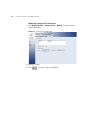
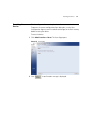
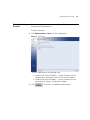
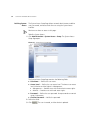
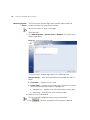
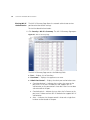
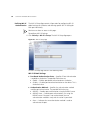
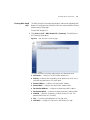
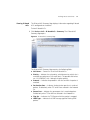
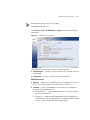
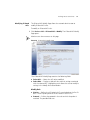
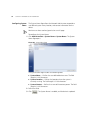
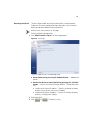
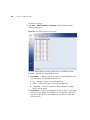
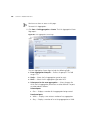
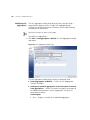
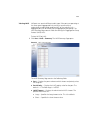
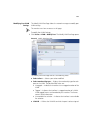
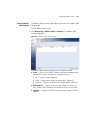
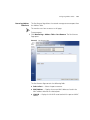
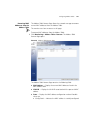
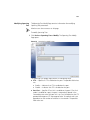
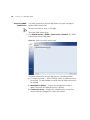
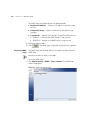
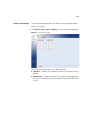
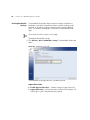
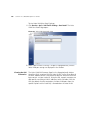
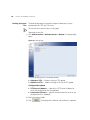
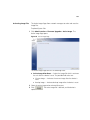
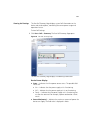
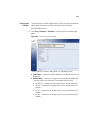
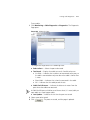
1 Click Device > ACL > ACL Binding > Setup. The ACL Binding Setup
Page opens:
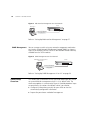
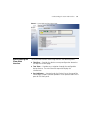
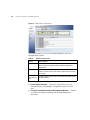
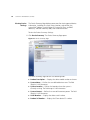
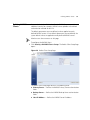
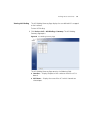
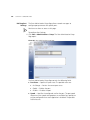
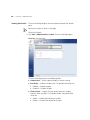
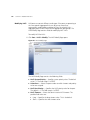
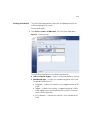
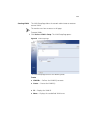
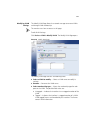
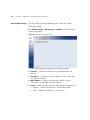
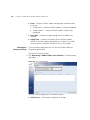
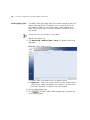
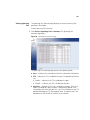
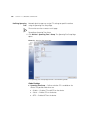
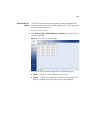
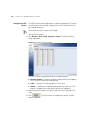
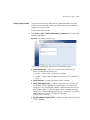
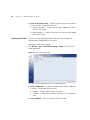
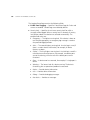
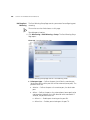
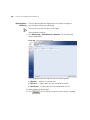
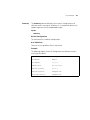
Figure 36 ACL Binding Setup Page
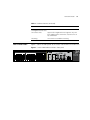
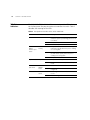
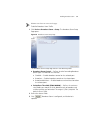
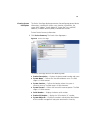
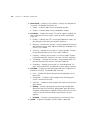
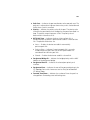
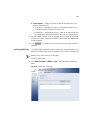
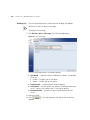
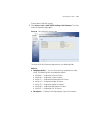
The ACL Binding Setup Page contains the following fields:
■
Select Port(s) — Selects the ports to be configured.
■
Bind ACL — Assigns an Access Control List to a port or LAG.
■
■
■
MAC-based ACL — Displays the MAC based ACL to which the
interface is assigned.
IP-based ACL — Displays the IP based ACL to which the interface is
assigned.
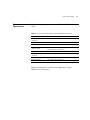
Select ACL — Selects the ACL from a list of previously defined Access
Control Lists to which the port or LAG can be bound. To bind an ACL
to a LAG, the ACL should be bound to its port members.
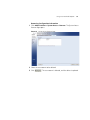
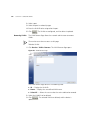
2 Define the relevant fields.
3 Click
. ACL Binding is defined, and the device is updated.