1
34
Call Alert™ Page Operation
(cont.)
Sending a Call Alert to the Last ID
Number Transmitted or Received
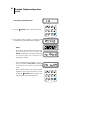
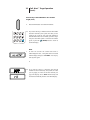
1.
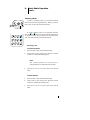
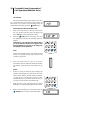
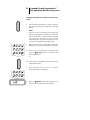
To send a Call Alert to the last ID number
transmitted or received, press the
(Call) button.
Note:
•
If the radio is programmed with both Private Call
(PC) or Call Alert (CA) features, then press the call
button twice to enter the CA mode.
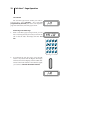
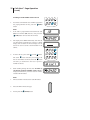
2.
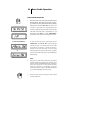
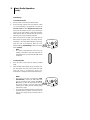
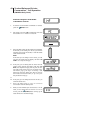
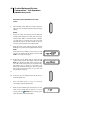
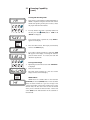
The display shows “CA” momentarily and then the
last ID number.
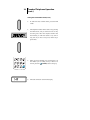
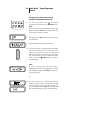
3.
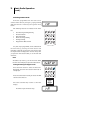
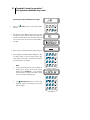
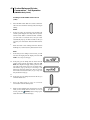
Press the PTT switch to send the ID number.
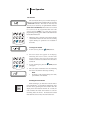
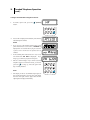
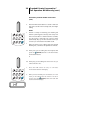
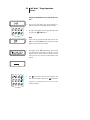
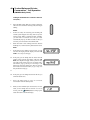
3a. If you hear one beep, it indicates that the ID number
has been received by the system, the radio you are
paging is not on the air, and your radio remains in
the Call Alert mode. You can either go back to step 3
and press the PTT switch to send the ID number
again, or press the
(Home) button to return to
the home display.
Note:
•
If after six seconds the called radio fails to
acknowledge the alert, a low-pitch alert tone sounds
and the display changes to “no rESP”. You may try
this sequence again.
or
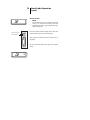
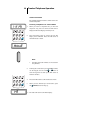
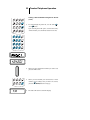
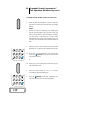
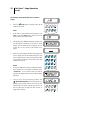
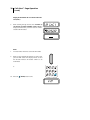
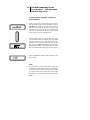
3b. If you hear five beeps, it indicates that the ID
number has been received by the system, the radio
you are paging is on the air and has received your
page. The display shows “SCC” momentarily and
the radio automatically returns to the home display.