1
Use of the remote control RC4401/01 (Continued)
EN
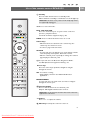
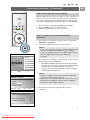
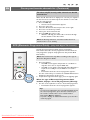
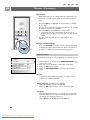
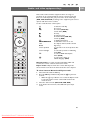
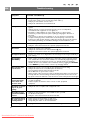
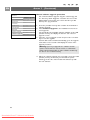
+P- Channel selection
- to browse through the TV channels and sources stored
and marked in the Favourite channels lists;
- to select a page in Teletext mode;
- to quickly browse through the lists in the menus;
- to switch the TV on from standby mode.
0/9 Digit keys
To select a TV channel between 0 and 999.
AV Select your peripherals
See Installation menu, Select your connections, p. 33.
a
0 Previous channel
Press to alternate between the currently viewed and the
previously viewed TV channel.
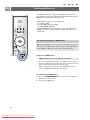
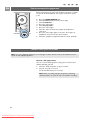
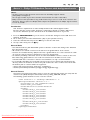
Ambilight-MODE
Ambilight: Press to switch Ambilight On or Off. For the
Ambilight settings, see Use of the TV menu settings, Enjoy
Ambilight, p. 20.
MODE: Press this key repeatedly to toggle through the
Ambilight modes.
Note: when the TV is switched to standby, and you switch
Ambilight On, Ambilight will be active. Only then less
modes are available.
Ò ‡ π † Audio and Video equipment keys
See Audio and Video equipment keys, p. 55.
See Multimedia browser functional keys, p. 40.
v
‡ CANCEL
Only for UK: Digital text/Interactive services.
Press this key to cancel those special services (and the
function bar at the bottom of the screen).
® no function
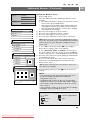
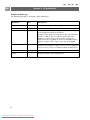
i On screen information
Press to display (when available) information about the
selected TV channel and programme.
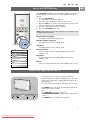
b Dual screen
Press the b key to show teletext on the right of the
screen.
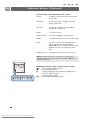
FAV To display the channels list.
You can create up to four favourite lists.
Note: to set the remote control to work peripheral
equipment, see Annex 1, p. 57.
6
Downloaded From TV-Manual.com Manuals