1
2504.4 en
13-12-2006
08:29
Pagina 4
Getting started (Continued)
EN
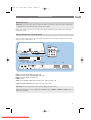
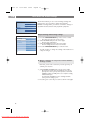
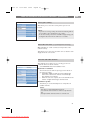
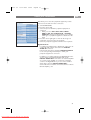
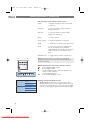
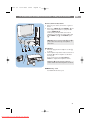
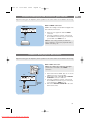
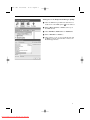
Overview of the side connector panel
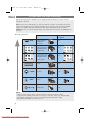
- To connect a camera, camcorder or game, see To make video
and audio connections, p. 47.
- To connect a headphone, see To make video and audio
connections, p. 47.
- To connect a USB device or memory card, see Multimedia
browser, p. 39.
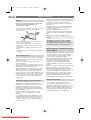
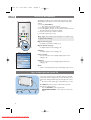
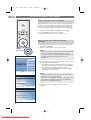
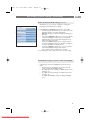
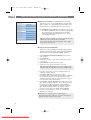
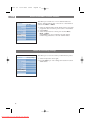
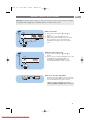
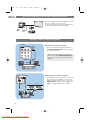
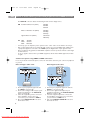
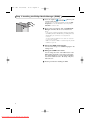
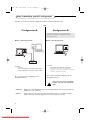
Connect the antenna
<
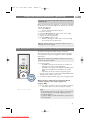
Insert the aerial plug firmly into the aerial socket x at the
bottom of the TV.
Tip: for best quality use the suppressor cable supplied.
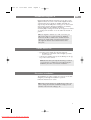
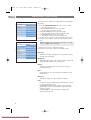
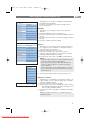
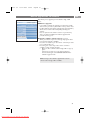
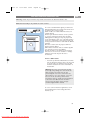
Connect the mains
<
Insert the mains cord supplied into the mains at the bottom
of the TV and in the wall socket.
Warning: verify that the mains supply voltage corresponds
to the voltage printed on the sticker at the rear of the TV.
UK - EIRE
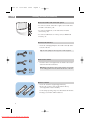
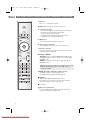
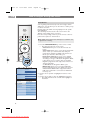
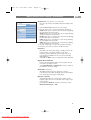
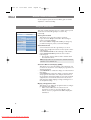
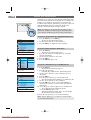
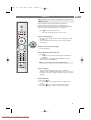
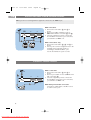
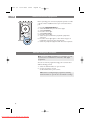
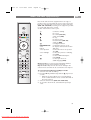
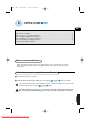
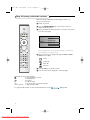
Remote control
<
Insert the 2 batteries supplied (Type R6-1,5V).
Be sure the (+) and (-) ends of the batteries line up
correctly (inside of case is marked.)
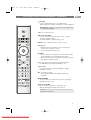
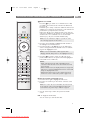
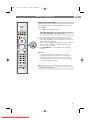
For most keys pressing a key once will activate the function.
Pressing a second time will de-activate it.
4
Downloaded From TV-Manual.com Manuals