1
>
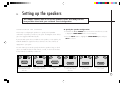
Setting up the speakers
SETTING THE SPEAKER PHASES
The P30 allows you to change the speaker phases. This should only be
necessary if you have wired a loudspeaker with incorrect polarity in the
system.
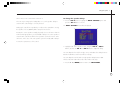
To change the speaker phases
• Highlight PHASE TEST in the SET LEVELS menu and press the SEL V
button to select it.
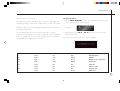
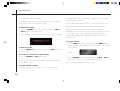
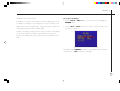
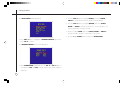
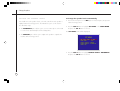
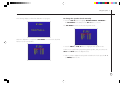
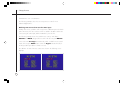
The SET LEVELS menu shows the current speaker phases:
• Highlight each speaker in turn.
• Use the SEL A and SEL V buttons to adjust the phase.
You should adjust each speaker to produce a well focused image, located
precisely between the speakers.
22
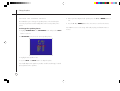
• When you have adjusted each speaker press the _ (or MENU) button to
exit.
• Press the _ (or MENU) button three more times to exit from the menus.
Your P30 Processor is now set up, and ready to play your favourite music or
movies!