1
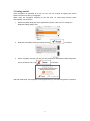
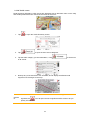
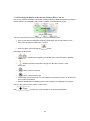
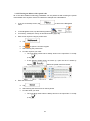
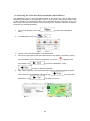
3.
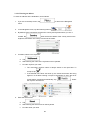
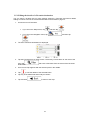
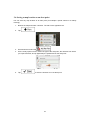
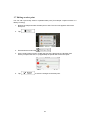
Tap
.
4.
Tap
.
5.
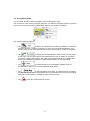
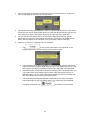
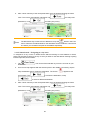
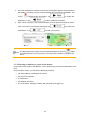
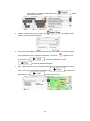
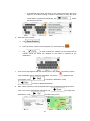
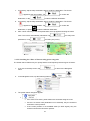
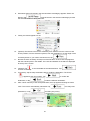
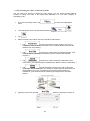
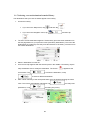
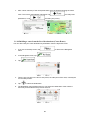
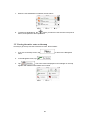
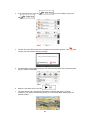
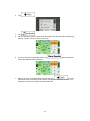
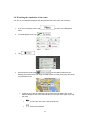
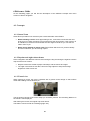
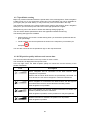
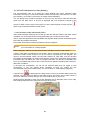
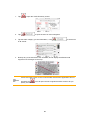
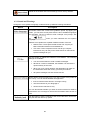
You see the basic details of three route alternatives with the selected route planning
method. Tap any of them to see it on the map.
6.
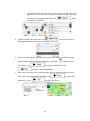
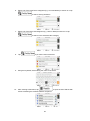
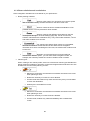
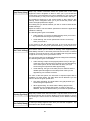
Or if you cannot find a good alternative, tap
routes with different routing methods.
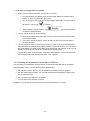
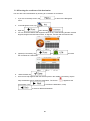
7.
for a few
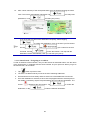
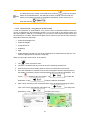
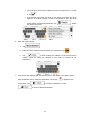
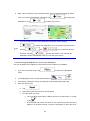
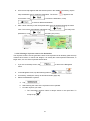
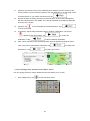
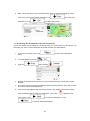
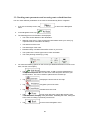
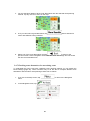
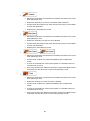
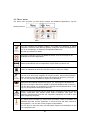
Select one of the route alternatives then tap and hold
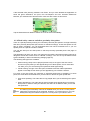
seconds to return to the Map screen. Zenec navigation recalculates the route. The
orange line now shows the new recommended route.
70
and scroll down for