1
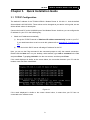
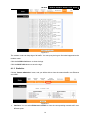
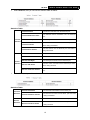
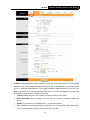
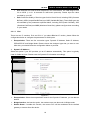
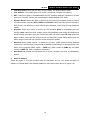
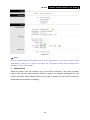
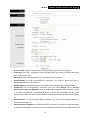
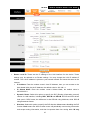
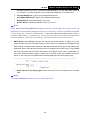
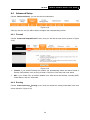
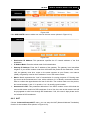
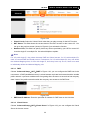
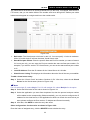
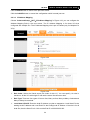
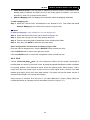
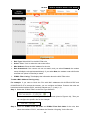
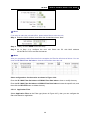
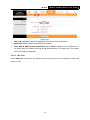
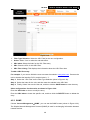
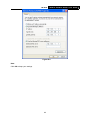
TD-8816 ADSL2+ Modem Router User Guide enable the function, please click Enable. MLD Proxy: The MLD (Multicast Listener Discovery Protocol) Proxy function is disabled by default. If you want to enable the function, please click Enable. Dual Stack Lite: Enable the Dual Stack Lite (D-S Lite) function if you need. It is disabled by default. 4. Bridge Mode If you select this type of connection, the modem router can be configured to act as a bridging device between your LAN and your ISP. Bridges are devices that enable two or more networks to communicate as if they are two segments of the same physical LAN. Dual Stack Lite: Enable the Dual Stack Lite ( D-S Lite ) function if you need. It is disabled by default. Figure 4-14 Note: After you finish the Internet configuration, please click SAVE to make the settings take effect. 4.3.1.3. IPv4/IPv6 If you select IPv4/IPv6 as IP version, please follow both the 4.3.1.1 IPv4 and 4.3.1.2 IPv6 configuration to configure the parameters for WAN ports. 4.3.2 LAN Choose “Interface Setup→LAN” menu, and you will see the LAN screen (shown in Figure 4-15). Please configure the parameters for LAN ports according to the descriptions below. 26