1
Configuring the MultiVOIP
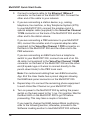
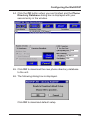
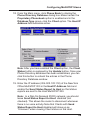
44. Click the OK button when you are finished and the Phone
Directory Database dialog box is displayed with your
second entry in the window.
45. Click OK to download the new phone directory database
to the unit.
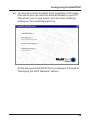
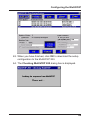
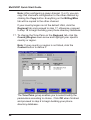
46. The following dialog box is displayed.
Click OK to download default setup.
33