1
U037.book 27 ページ
2004年2月25日 水曜日 午後6時10分
U S I N G T H E S P E E D D I A L M E M O RY
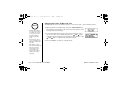
Making Calls from Speed Dial Memory
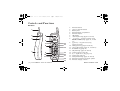
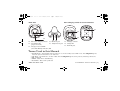
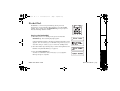
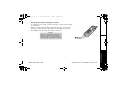
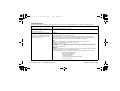
1) Press the memory key. The handset displays your programmed
speed dial number.
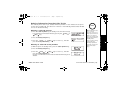
2) Enter the number (0 - 9), or press the
/vol/ or
/vol/
key to select the speed dial number you would like to dial.
3) Press the talk/flash key. C on n ec ti n g changes to T a lk , and the
volume setting and the number selected appear on the display.
Then the displayed number is dialed.
To cancel speed dialing
To cancel speed dialing, press the end key; the handset returns to standby mode. The handset
will also return to standyby mode if the handset is idle (i.e., no key is pressed) for 30
seconds.
[27] USING THE SPEED DIAL MEMORY
www.uniden.com