1
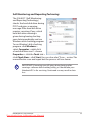
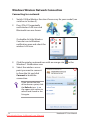
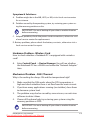
Or double click the Wireless
Console icon in the Windows
notification area and select the
Bluetooth icon.
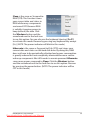
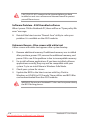
3. From Control Panel, go
to Network and Internet
> Network and Sharing
Center and then click
Change adapter settings in
the left blue pane.
4. Right-click Bluetooth
Network Connection and
select View Bluetooth
Network Devices.
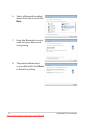
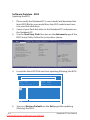
5. Click Add a device to look for
new devices.
Notebook PC User Manual
Downloaded from LpManual.com Manuals
77