1
Configuring VMware Cloud Infrastructure
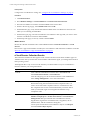
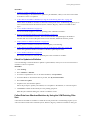
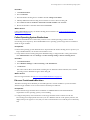
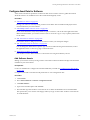
Configure vShield Manager Collections
Configure collections from your vShield Manager instances so that you can run reports on the collected
data.
Prerequistes
n
Configure your Managing Agent machines. See "Configure Managing Agent Machines" on page 26.
n
To maintain secure communication, you need the SSL certificates from your instances of vShield
Manager. See "Obtain the SSL Certificate Thumbprint" on page 29.
Procedure
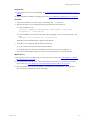
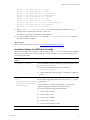
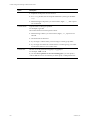
1. "Add vShield Manager Instances" on page 45
Add the instances of vShield Manager to VCM so that you can license and collect vShield Manager data
using the Managing Agent.
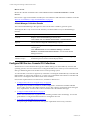
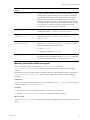
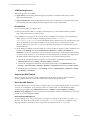
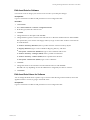
2. "Configure the vShield Manager Settings" on page 46
Configure the Managing Agent, communication, and vShield Manager access options so that VCM can
collect group and group member data from your instances of vShield Manager.
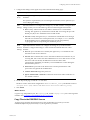
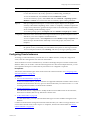
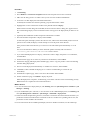
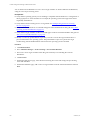
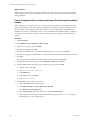
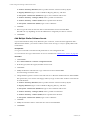
"Collect vShield Manager Data" on page 47
3. Collect the data from the instances of vShield Manager. The data is displayed by detailed data type and
appears in the VCM Console.
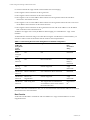
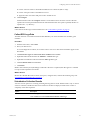
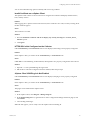
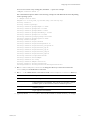
The collected vShield Manager data appears in the Console in the Virtual Environments node. See "vShield
Manager Collection Results" on page 48.
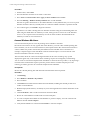
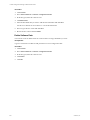
Add vShield Manager Instances
Add the instances of vShield Manager to VCM so that you can license and collect vShield Manager data
using the Managing Agent.
Most vShield Manager instances are discovered, added, and licensed. Use this procedure of they are not
added to VCM.
Prerequisites
n
Ensure that the vCenter Server that each instance of vShield Manager is managing is added to VCM.
See "Add vCenter Server Instances" on page 30.
n
Know the names and domain information for the instances of vShield Manager in your environment.
Procedure
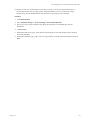
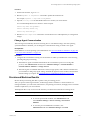
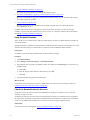
1. Click Administration.
2. Select Machines Manager > Available Machines.
3. Click Add Machines.
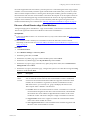
4. On the Add Machines page, select Basic: Name, Domain, Type, Automatically license machines, and
click Next.
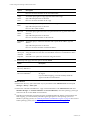
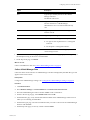
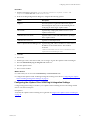
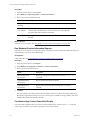
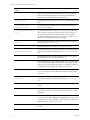
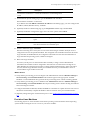
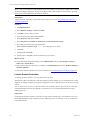
5. On the Manually Add Machines - Basic page, configure these options to identify the instances of
vShield Manager.
VMware, Inc.
45