BenQ LCD Color Monitor User's Guide
4.
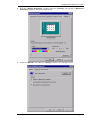
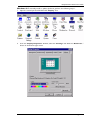
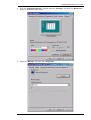
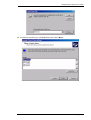
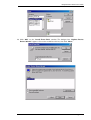
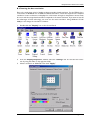
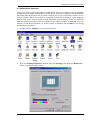
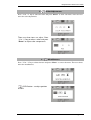
From the “Display Properties” window, select the “Settings” tab. Click the “Advanced
Properties” button in the bottom right corner.
5.
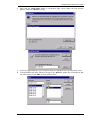
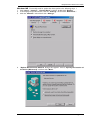
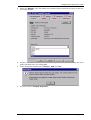
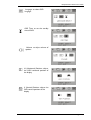
Select the “Monitor” tab. Click the “Change” button in the top right corner.
English 8