1
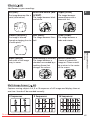
Selecting an Effect
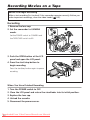
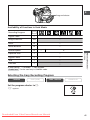
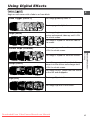
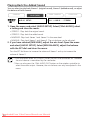
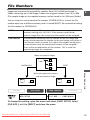
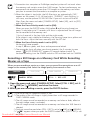
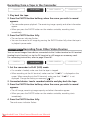
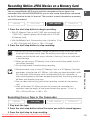
In CAMERA mode, set the program selector to Q.
CAMERA
PLAY (VCR)
CARD CAMERA
CARD PLAY
E
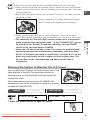
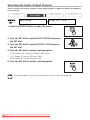
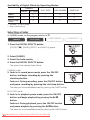
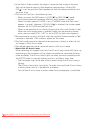
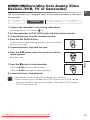
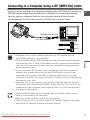
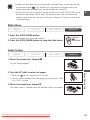
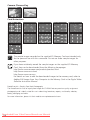
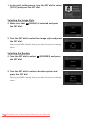
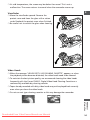
1. Press the DIGITAL EFFECTS button.
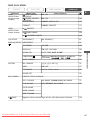
[D.EFFECT |], [FADER], [EFFECT] and [MULTI-S] appear.
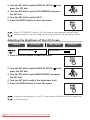
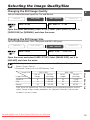
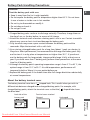
2. Select [EFFECT].
3. Select the effect.
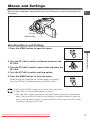
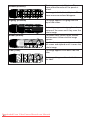
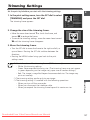
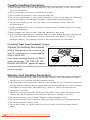
4. Press the DIGITAL EFFECTS button.
The name of the selected effect flashes.
Advanced Functions Recording
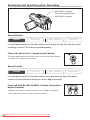
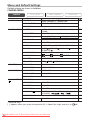
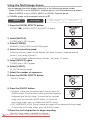
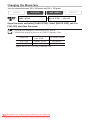
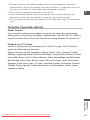
5. Press the ON/OFF button.
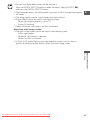
• The name of the selected effect stops flashing.
• The effect can be activated/deactivated by pressing the ON/OFF
button.
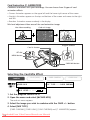
Selecting an Effect in CARD CAMERA Mode
CAMERA
PLAY (VCR)
CARD CAMERA
CARD PLAY
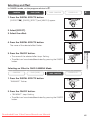
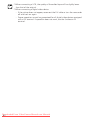
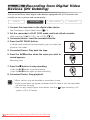
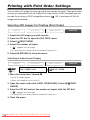
1. Press the DIGITAL EFFECTS button.
“BLK&WHT” flashes.
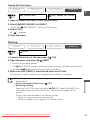
2. Press the ON/OFF button.
• “BLK&WHT” stops flashing.
• The effect can be activated/deactivated by pressing the ON/OFF
button.
Downloaded From VideoCamera-Manual.com Manuals
65