1
1054I-06.FM
10.06.1999
Gigaset 1054 isdn, GBR: A30853-X200-B101-51-7619
Operating the Standard Mobile Unit
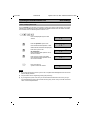
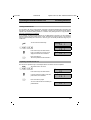
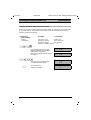
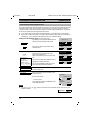
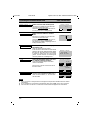
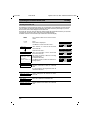
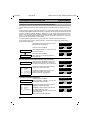
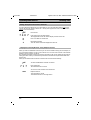
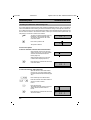
Locking
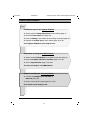
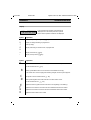
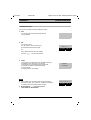
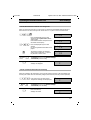
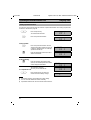
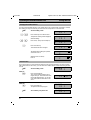
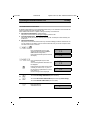
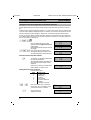
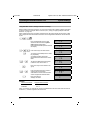
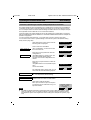
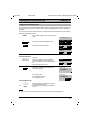
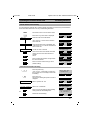
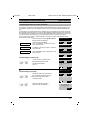
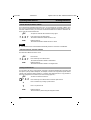
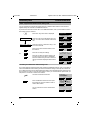
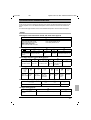
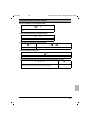
Verify / Save Emergency Numbers
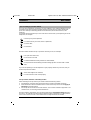
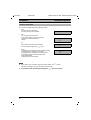
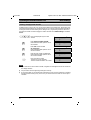
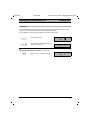
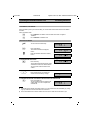
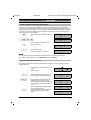
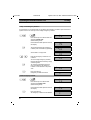
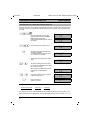
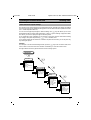
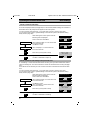
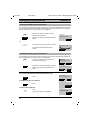
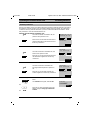
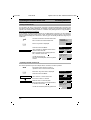
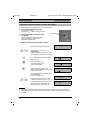
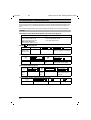
In an emergency it is important that you are able to dial emergency number in spite of the active
system lock. You can store up to four 16 digit emergency numbers.
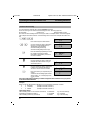
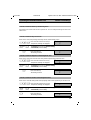
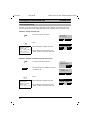
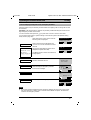
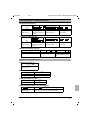
w#“%o
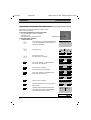
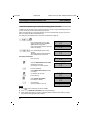
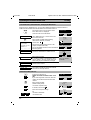
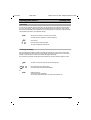
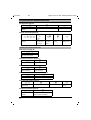
Press these keys one after another and
enter the system code
(default setting 0000).
z
0...)
w
A
CD
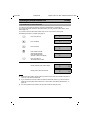
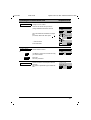
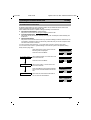
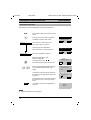
Each entered number replaces a dash in
the display.
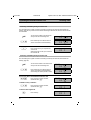
2
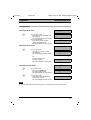
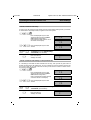
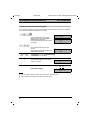
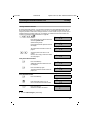
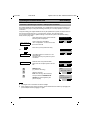
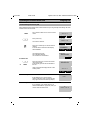
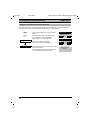
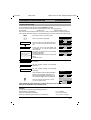
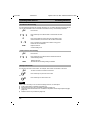
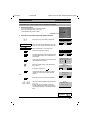
To pscrollage through the emergency
numbers press the redial key repeatedly
1 110
A
CD
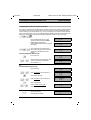
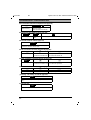
Slot number 2 is empty here.
2z
A
CD
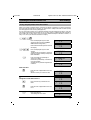
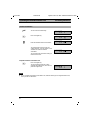
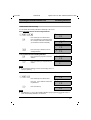
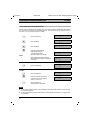
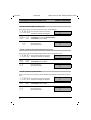
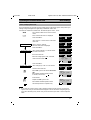
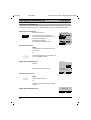
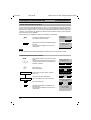
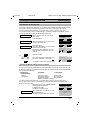
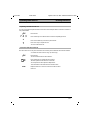
Enter the emergency number for slot
number 2.
2 112
A
CD
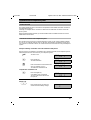
3z
CD
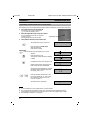
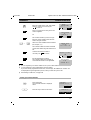
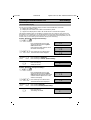
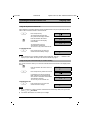
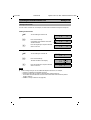
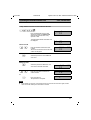
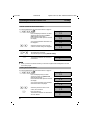
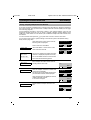
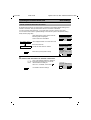
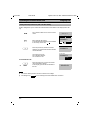
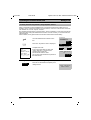
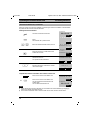
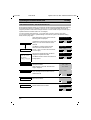
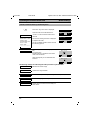
You can change emergency numbers
that have already been stored by simply
overwriting them.
z
2____5
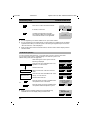
To continue scrollingthrough the list
press the redial key. All emergency
numbers can be entered in one procedure.
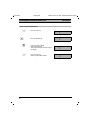
A
A
Press the save key.
Emergency numbers are stored.
__5
CD
C
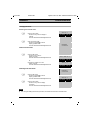
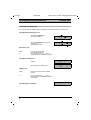
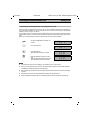
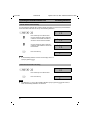
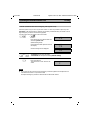
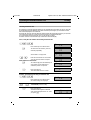
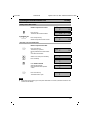
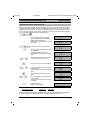
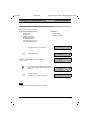
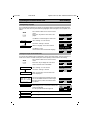
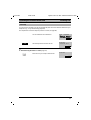
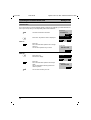
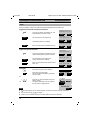
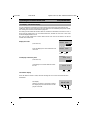
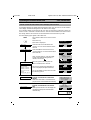
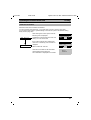
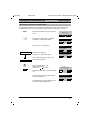
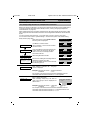
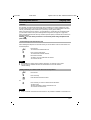
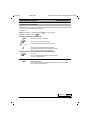
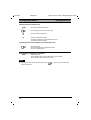
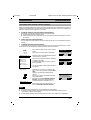
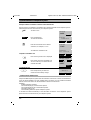
Delete Emergency Number
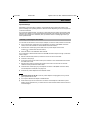
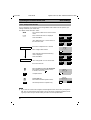
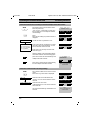
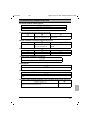
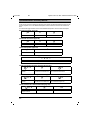
w#“/o
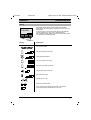
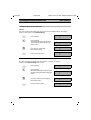
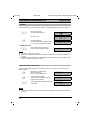
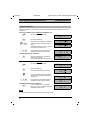
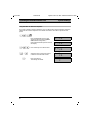
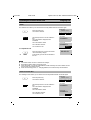
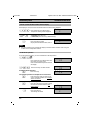
Press these keys one after another
and enter the system code
(default setting 0000).
Each entered number replaces a dash in
the display.
w
66
Press the save key.
All emergency numbers will be deleted.
2____7
A
2
A
CD
__7
CD
C




























![[CTW100]](http://vs1.manualzilla.com/store/data/005810894_1-66009d11f3039a8ae7d003a87ac83c2b-150x150.png)