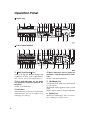
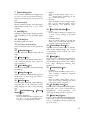
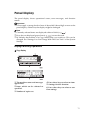
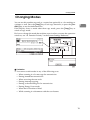
1
Merging Images (Overlay)—Merging Two Different Originals
Merging Images (Overlay)—Merging Two
Different Originals
Preparation
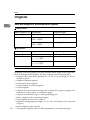
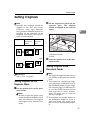
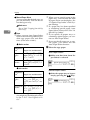
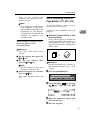
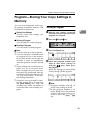
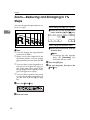
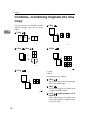
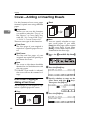
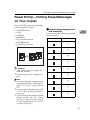
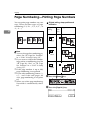
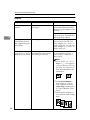
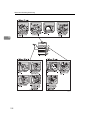
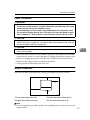
There are three ways to make
Overlay copies.
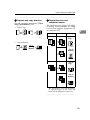
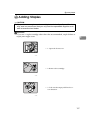
• Overlay-1
Two different originals can be
merged onto the same copy paper.
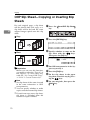
• Overlay-2
The machine merges two originals and only the overlapped
image will be copied.
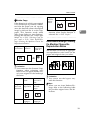
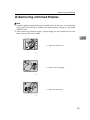
• Overlay-3
Originals are merged and
where black overlaps black the
image is inverted (see the above
illustration).
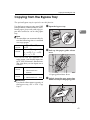
The machine can merge two different
originals onto the same copy paper.
Limitation
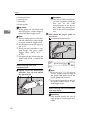
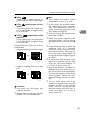
❒ You cannot change the paper size
once you have selected the Overlay feature.
2
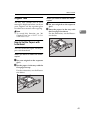
❒ When you set different sized originals in the document feeder, parts
of the image might not copied. Set
the original on the exposure glass.
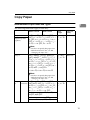
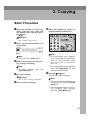
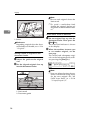
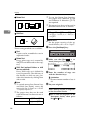
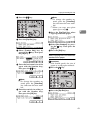
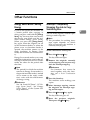
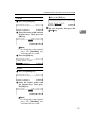
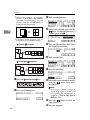
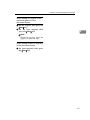
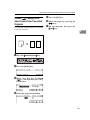
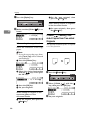
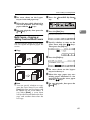
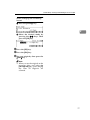
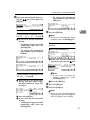
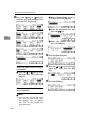
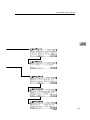
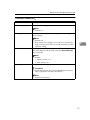
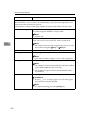
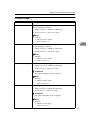
A Press the {Overlay} key.
B Press the [Overlay] key.
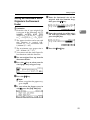
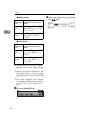
C Select the desired mode with the
01 keys. Then press the [OK]
key.
D Press the [Exit] key.
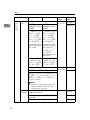
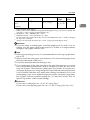
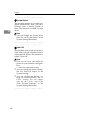
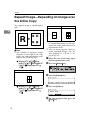
1: Overlay-1
2: Overlay-2
3: Overlay-3
73