1
User Guide for the SIP-T19P IP Phone
2.
Note
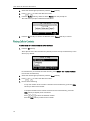
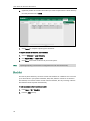
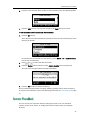
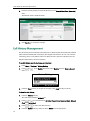
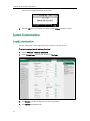
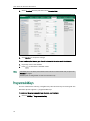
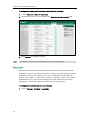
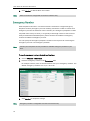
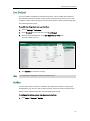
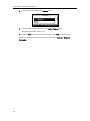
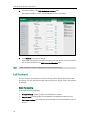
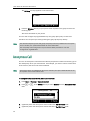
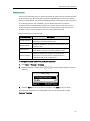
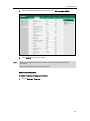
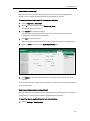
Click Reboot to reboot the phone.
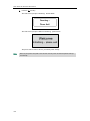
Any reboot of the phone may take a few minutes.
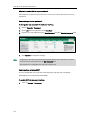
How to export PCAP trace?
We may need you to provide a PCAP trace to help analyze your problem.
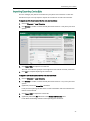
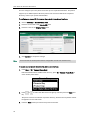
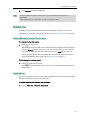
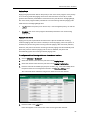
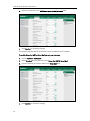
To export a PCAP trace via web user interface:
1.
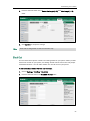
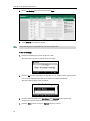
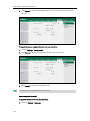
Click on Settings->Upgrade.
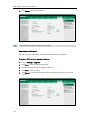
2.
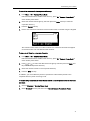
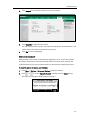
Click Start to start recording signal traffic.
3.
Recreate the error to be documented in the trace.
4.
Click Stop to stop recording.
5.
Click Export to open file download window, and then save the file to your local
system.
104
www.voipon.co.uk [email protected] Tel: +44 (0)1245 808195 Fax: +44 (0)1245 808299