1
ClusterCATS Server Administrator
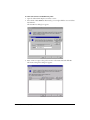
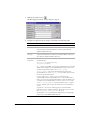
The ClusterCATS Server Administrator is a Windows-based utility that lets you perform
server-specific maintenance activities for each server in a cluster. Unlike the ClusterCATS
Explorer, which let you administer clusters from one central computer, you must run the
ClusterCATS Server Administrator from each server in your cluster.
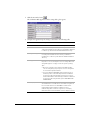
The Server Administrator lets you:
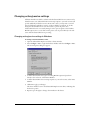
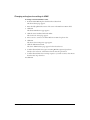
• Change installation settings
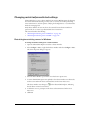
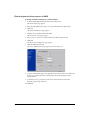
• Add and remove the ClusterCATS filter from the web server service
• Stop and start the ClusterCATS service
• Reset a clustered server’s configuration to its preclustered state
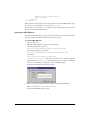
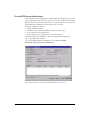
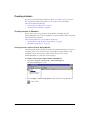
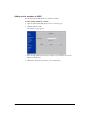
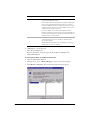
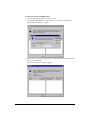
The ClusterCATS Server Administrator lets you accomplish these tasks using an
easy-to-use graphical user interface.
To open the ClusterCATS Server Administrator, select Start > Programs >
Macromedia > ClusterCATS Server Administrator.
For more information on using the Server Administrator, see Chapter 5.
52
Chapter 4 Configuring Clusters