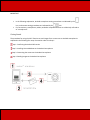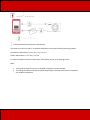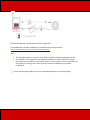
1
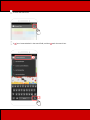
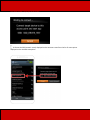
4. Choose
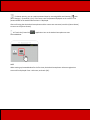
[Canon CameraWindow] from the displayed search results, and install it on the
Android smartphone.
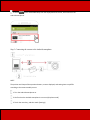
Step 3: Connecting the camera to the Android smartphone
NOTE
The position and shape of the operation buttons, screens displayed, and setting items may differ
according to the camera model you use.
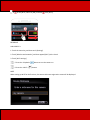
1. Turn the Android smartphone on.
2. Confirm that the Android smartphone is not set to [Airplane mode].
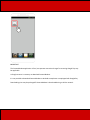
3. Touch the menu key, and then touch [Settings].