1
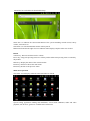
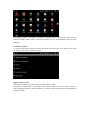
System settings:
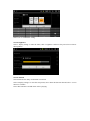
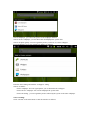
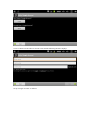
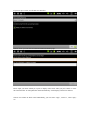
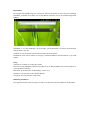
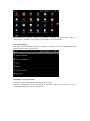
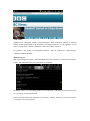
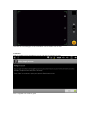
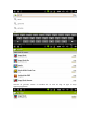
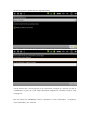
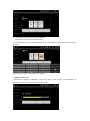
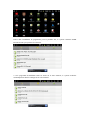
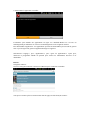
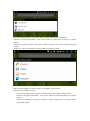
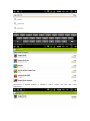
System setting menu displays as following when the setting menu is clicked. Select the item to set.
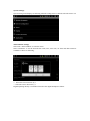
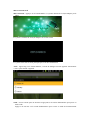
Time and Date settings
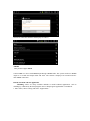
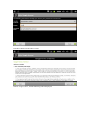
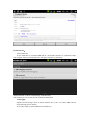
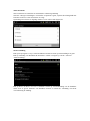
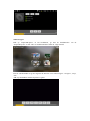
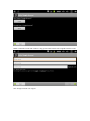
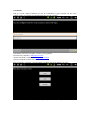
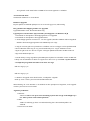
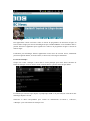
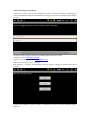
Select item “Time and Date” to enter the menu.
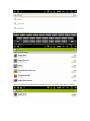
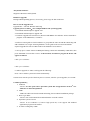
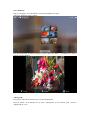
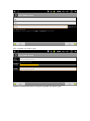
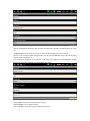
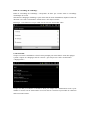
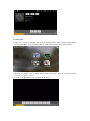
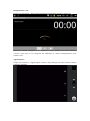
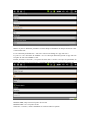
Select “automatic” to use the network time. Date, time, time zone, 24- hour and date format are
available to choose as following.
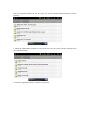
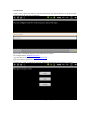
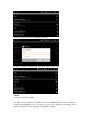
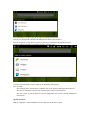
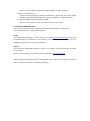
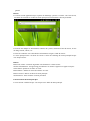
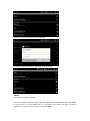
+:Select the icon to increase by 1
-:Select the icon to decrease by 1
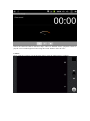
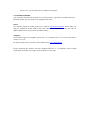
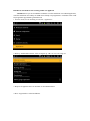
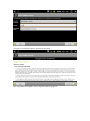
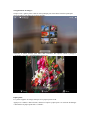
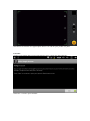
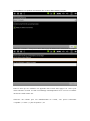
Digital inputting directly is available when select the digital and input as follow.