1
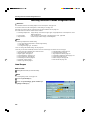
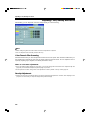
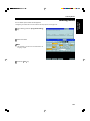
Color Balance—Adjusting and Storing the Color Balance
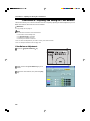
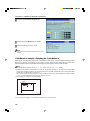
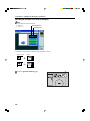
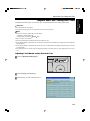
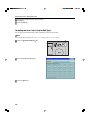
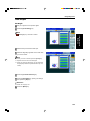
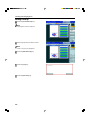
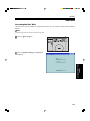
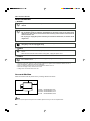
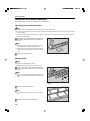
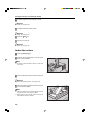
Selecting the sampled area (Only for Edit type)
Note
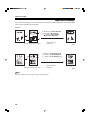
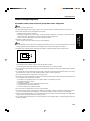
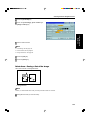
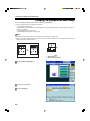
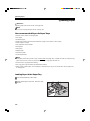
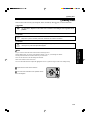
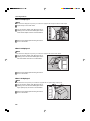
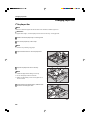
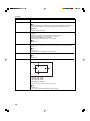
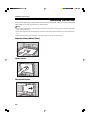
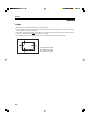
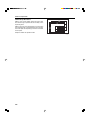
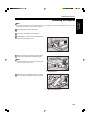
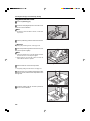
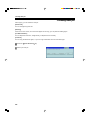
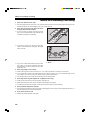
❐ The sampled area is as shown below.
Selected position
a: 58mm, 2.3"
b: 180mm, 7.1"
Sampled area
<
+
a
<
<
b
>
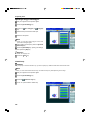
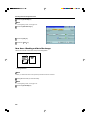
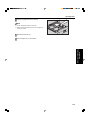
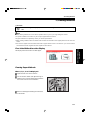
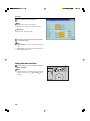
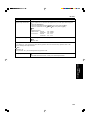
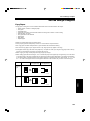
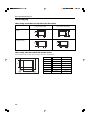
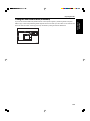
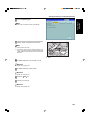
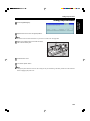
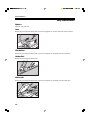
❐ Orientation of the original and scanned image are related as shown:
Exposure Glass
Display
R
R
GCAREA5E
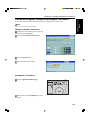
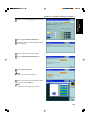
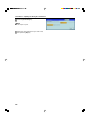
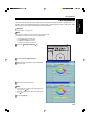
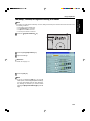
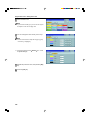
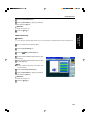
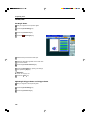
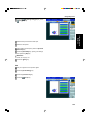
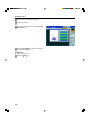
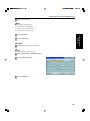
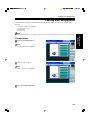
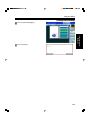
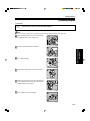
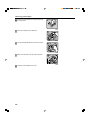
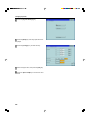
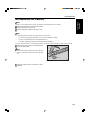
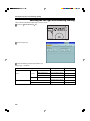
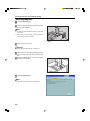
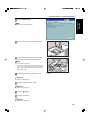
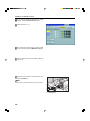
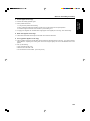
1 Press the Adjustment/Memory key.
128