1
3. Using the Web Interface
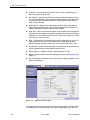
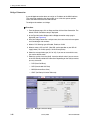
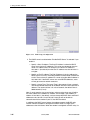
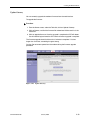
be used to delete the entire filter rule. It provides a quick method of selecting all
filter rules for deletion.
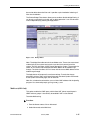
The Enable Bridge Filters button allows you to enable or disable bridge filtering. It
can be set or unset during any add, edit, or delete operation. It can also be set or
unset independently by pressing the Apply button.
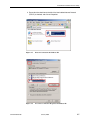
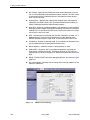
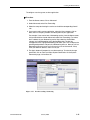
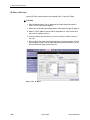
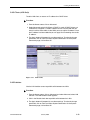
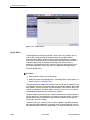
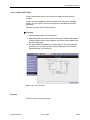
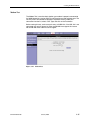
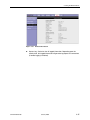
Figure 3-19. Bridge Filters
Note: The bridge filter table contains three hidden rules. These rules are entered
automatically by the system to ensure that you don't lock yourself out of the
system. The first rule allows all ARP frames through the system. The second rule
allows all IPv4 frames with the destination MAC address of the modem to go
through. The third rule allows all IPv4 frames with the source MAC address of the
modem to go through.
The Apply button will temporarily save these settings. To make the change
permanent, click on Tools (at the top of the page) and select System Commands.
At the System Commands page, click on Save All.
Note: On a windows based machine, you can find a MAC address with the ipconfig
program. At a command prompt, type: ipconfig /all
Multicast (6211 Only)
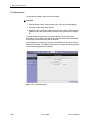
This option enables the IGMP proxy, which allows NAT clients to participate in
IGMP multicast groups. It should only be enabled if NAT is also enabled.
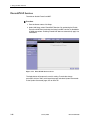
To enable Multicasting:
Procedure
1. From the Home screen, click on Advanced.
2. Under Advanced, select Muliticast.
6210-A2-GB23-00
January 2005
3-25