1
Viewing the Cisco RV215W Status
Viewing Connected Devices
2
Viewing Connected Devices
The Connected Devices page displays information about the active devices
connected to the Cisco RV215W.
The IPv4 ARP Table displays information from devices that have responded to the
Cisco RV215W address resolution protocol (ARP) request. If a device does not
respond to the request, it is removed from the list.
The IPv6 NDP Table displays all IPv6 neighbor discover protocol (NDP) devices
connected to the Cisco RV215W local link.
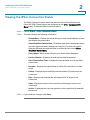
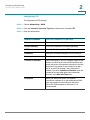
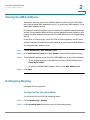
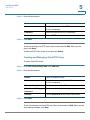
To view connected devices, choose Status > Connected Devices.
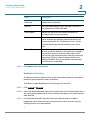
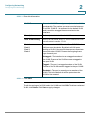
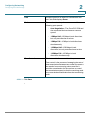
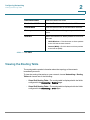
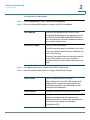
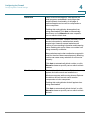
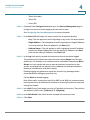
To specify the types of interfaces to display, select a value from the Filter dropdown menu:
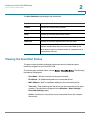
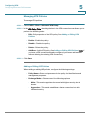
All—All devices connected to the router.
Wireless—All devices connected through the wireless interface.
Wired—All devices connected through the Ethernet ports on the router.
WDS—All Wireless Distribution System (WDS) device connected to the router.
Viewing Port Statistics
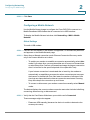
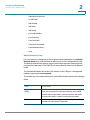
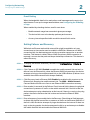
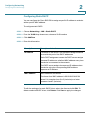
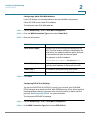
The Port Statistics page displays port detailed activity.
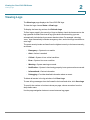
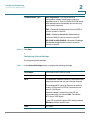
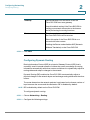
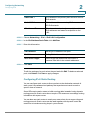
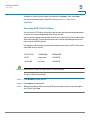
To view port statistics, choose Status > Port Statistics.
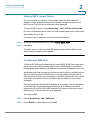
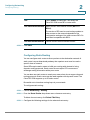
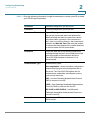
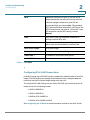
To cause the page to re-read the statistics from the router and refresh the page,
choose a refresh rate from the Refresh Rate drop-down menu.
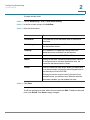
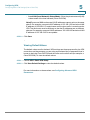
To show the bytes in kilobytes (KB) and the numerical data in rounded up form,
check Show Simplified Statistic Data and click Save. By default, byte data is
displayed in bytes and other numerical data is displayed in long form.
To reset the port statistics counters, click Clear Count.
Cisco RV215W Wireless-N VPN Firewall Administration Guide
21