1
Contents
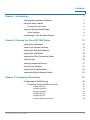
Chapter 1: Introduction
7
Verifying the Hardware Installation
7
Using the Setup Wizard
8
Configuration Next Steps
9
Using the Getting Started Page
9
Saving Changes
Connecting to Your Wireless Network
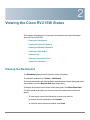
Chapter 2: Viewing the Cisco RV215W Status
11
11
12
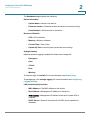
Viewing the Dashboard
12
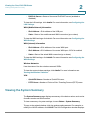
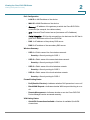
Viewing the System Summary
14
Viewing the Wireless Statistics
17
Viewing the VPN Status
18
Viewing the IPSec Connection Status
19
Viewing Logs
20
Viewing Connected Devices
21
Viewing Port Statistics
21
Viewing the GuestNet Status
22
Viewing the Mobile Network Status
23
Chapter 2: Configuring Networking
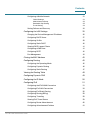
Configuring the WAN Settings
Configuring the Wired WAN Connections
Cisco RV110W Administration Guide
24
25
25
Configuring DHCP
25
Configuring Static IP
25
Configuring PPPoE
26
Configuring PPTP
27
Configuring L2TP
29
Configuring Optional Settings
30
2