1
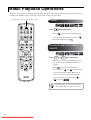
Basic Playback Operations
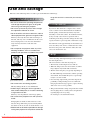
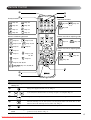
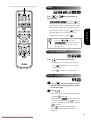
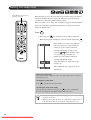
From here on, operations are explained primarily using the buttons of the remote control. You can also use the buttons
with the same markings as those on the unit control panel to achieve the same effect.
Set the [Function] position before performing operations
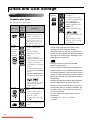
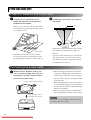
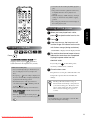
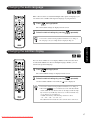
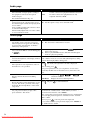
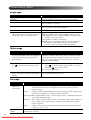
Pause
Press
during playback.
• Press
on the operation panel. The play is
paused and restarted each time you press
• To resume playback, press
.
.
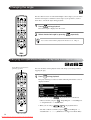
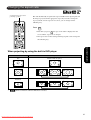
Reverse search/forward
search
Press
or
during playback.
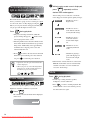
• There are five levels of reverse/forward search
speeds that change each time the buttons are
pressed.
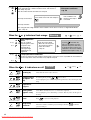
• Press
to return to normal playback.
• You can also use
and
on the main unit
for reverse/forward searching. When you are
reverse searching or forward searching a disc,
you can change its speed by pressing
(except for
or
)
Depending on the disc you use, the sound may
not be audible during forward/reverse search.
24
Downloaded From projector-manual.com Epson Manuals