1
Setup
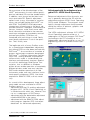
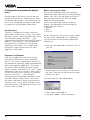
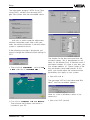
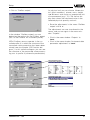
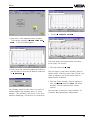
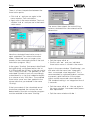
• Click to "Profibus output“.
As physical unit you can choose "dimensionless (plain numbers), volume, mass, height
and distance“ and assign an appropriate unit
of measurement (e.g. l, hl). The sensor display then shows the measured value in the
selected physical quantity and unit.
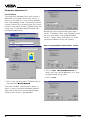
• Save the adjustments in the menu "Profibus
output“ with "OK“.
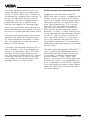
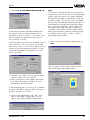
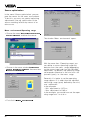
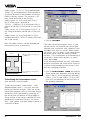
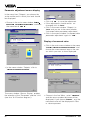
In the window "Profibus output“ you can
determine the options for the Profibus output
(acc. to the Profibus PA instrument profile).
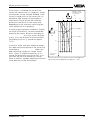
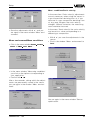
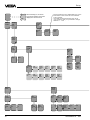
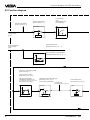
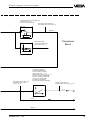
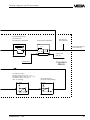
VEGA Profibus sensors operate in the socalled profile 3, in which the structure of the
measured value processing has been determined (see also chapter "8.2 Function diagram“). In this software diagram you can see
the structure of the measured value processing acc. to profile 3 (schematic presentation).
VEGASON 51P … 53P
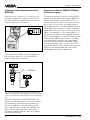
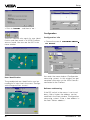
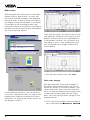
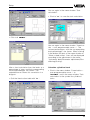
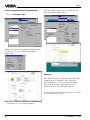
The adjustments are now transferred to the
sensor and you are again in the menu window "Outputs“.
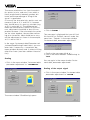
• Click in the menu window "Outputs“ to
"Quit“.
• Click in the menu window "Instrument data
parameter adjustment“ to "Quit“.
51