1
Welcome to NetSight Inventory Manager Help
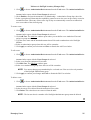
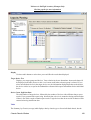
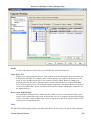
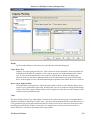
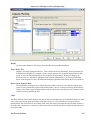
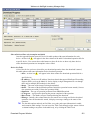
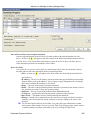
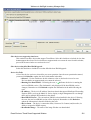
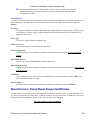
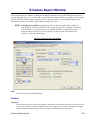
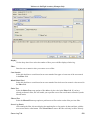
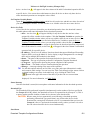
b. Specify the Download Type option. The download will be performed in parallel
(simultaneously) on the number of devices specified in the Groups of field. By default, the
downloads will occur in sequential order (Groups of: 1). This is to protect against possible
isolation of other devices that are in the download list.
CAUTION: Because many devices automatically reset following a download operation,
performing a Download Type greater than 1 may isolate other devices in the
download list, causing their downloads to fail. It is recommended that you
leave the Groups of value at 1 (perform the downloads serially), unless you
know it is safe to have the selected network devices reset simultaneously.
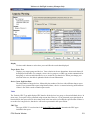
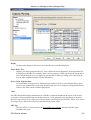
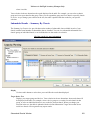
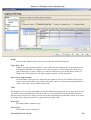
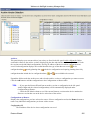
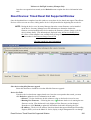
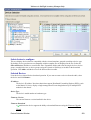
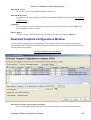
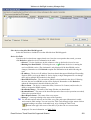
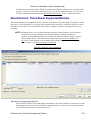
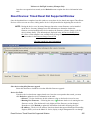
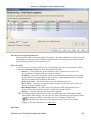
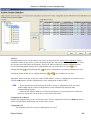
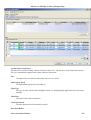
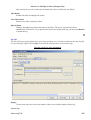
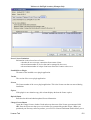
c. Click Start to initiate the download operation. The table at the top of the window will update
with status information, as will the status area in the bottom left of the window.
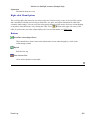
d. Review results. An alert icon
will appear in the Alert column of the table if a download
operation fails for the specific device. You can select to show all devices or show only those
that are incomplete or have failed.
5. Click Finish to close the wizard.
Assigning Templates to Device Types
87