1
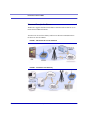
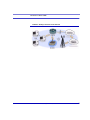
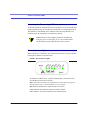
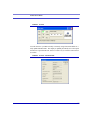
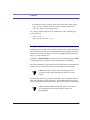
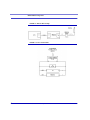
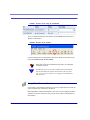
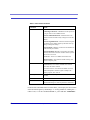
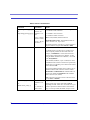
Modbus/BSAP Configuration
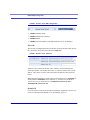
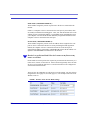
FIGURE 4.
•
•
•
•
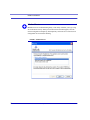
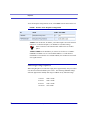
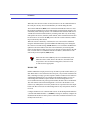
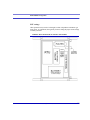
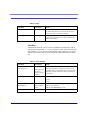
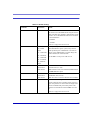
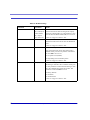
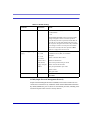
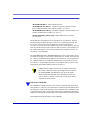
Wireless ACE: MD Configuration
ATMD13: Modbus ASCII
ATMD23: Modbus RTU (Binary)
ATMD33: BSAP
ATMD63: Variable Modbus (individual parameters are set up manually)
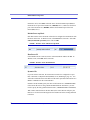
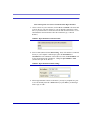
IDs to IPs
The last step of configuring the Raven at the host is setting the IDs to their specific
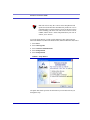
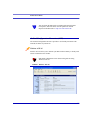
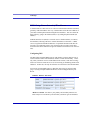
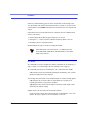
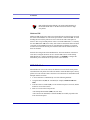
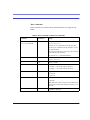
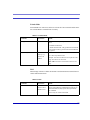
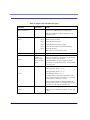
IPs. In Wireless ACE, select the menu option Addr List.
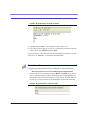
FIGURE 5.
Wireless ACE: Addr List
Addresses can be entered in decimal or hex. Wireless ACE will translate hex
entries into decimal. The number before the “=” is ID, the number after is the IP
address. There can be a total of 100 remote ID/Local addresses entered into the
Raven.
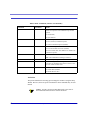
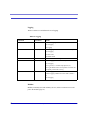
When using AT commands via telnet or direct serial connection, use ATMLIST for
decimal IDs and ATMLISTX for hexidecimal, ex. if the ID is 27 and the IP is
123.123.123.124, you would enter it as ATMLIST27=123.123.123.124 or
ATMLISTX1B=123.123.123.124.
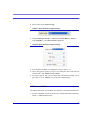
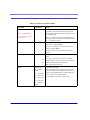
Dynamic IP
If you do not have a static IP, the host Raven should be configured to report its current IP to a Dynamic DNS (DDNS) server (IP Manager: page 15).
36
Raven CDMA User Guide for Verizon, version 2.23