1
DS2100 User's Manual
SECTION 4: GETTING STARTED
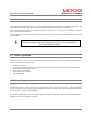
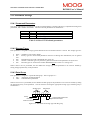
4.10 Status & Faults
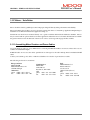
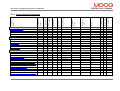
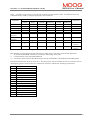
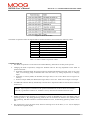
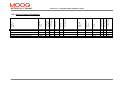
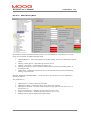
Before high power can be applied all faults must be cleared from the DS2100. The prefix “U” indicates a warning and an
“F” indicates an error on the DS2100’s 7-segment display. Refer Section 5.11 Drive Monitoring and Fault Detection.
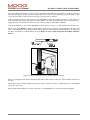
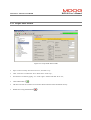
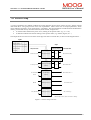
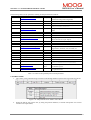
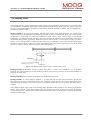
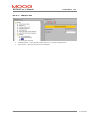
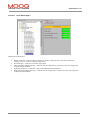
After the motor and regeneration parameters have been entered as detailed in the previous sections, all faults should be
cleared as follows:
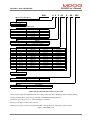
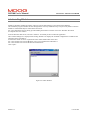
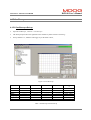
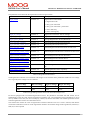
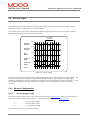
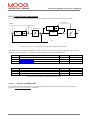
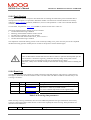
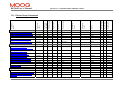
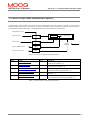
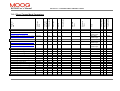
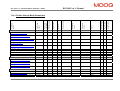
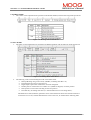
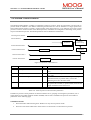
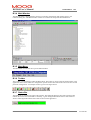
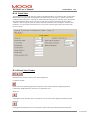
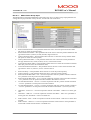
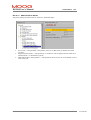
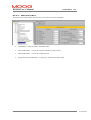
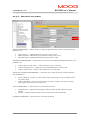
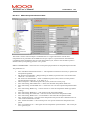
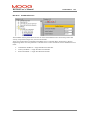
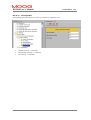
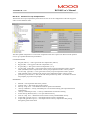
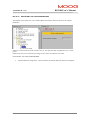
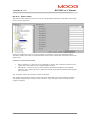
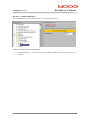
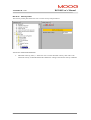
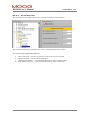
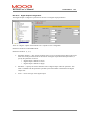
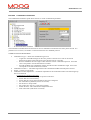
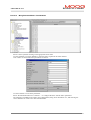
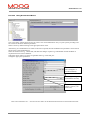
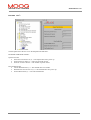
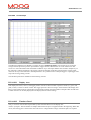
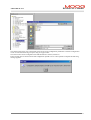
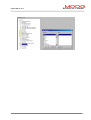
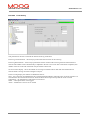
“Status and Faults → Clear Faults → Clear Faults”.
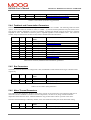
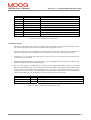
The DS2100 should now display a “U1” to indicate “High Power Not Ready”. All other errors and warnings should be
removed. Should an error indication remain, power-cycle the drive.
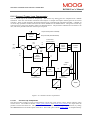
Should a persistent error occur Refer to DS2100 User’s Manual Section 5.11 Drive Monitoring and Fault Detection to
identify the error. Where applicable check all connections and parameter settings associated with the particular error.
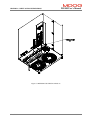
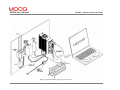
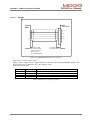
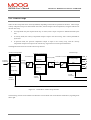
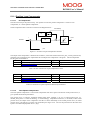
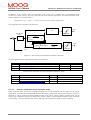
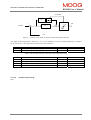
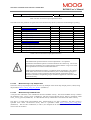
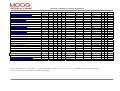
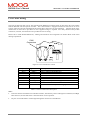
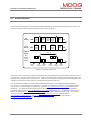
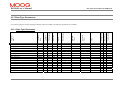
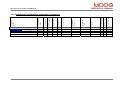
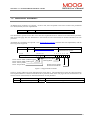
Figure 4.16 Clearing Faults
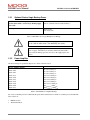
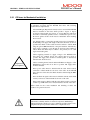
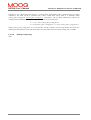
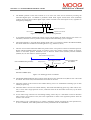
Failure to remove All errors before high power is applied will result in the soft start relay
remaining open and no DC Bus voltage being applied to the system
PAGE 4-12
C27750-001