1
20. CHANGING THE SETTINGS
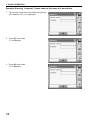
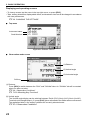
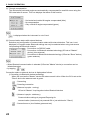
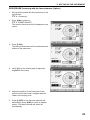
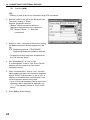
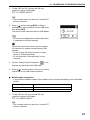
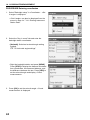
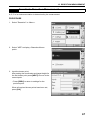
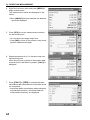
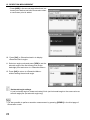
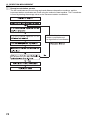
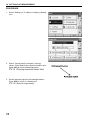
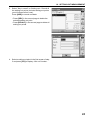
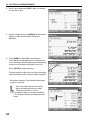
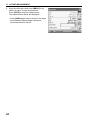
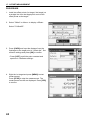
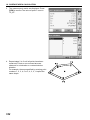
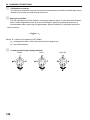
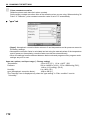
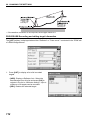
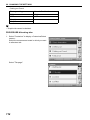
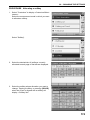
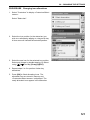
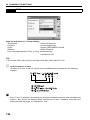
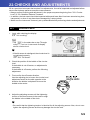
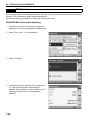
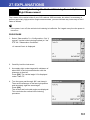
2. To edit a target, select the desired target and
press [EDIT]. <Reflector/edit> is displayed.
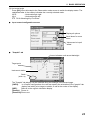
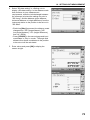
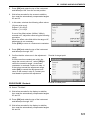
Select/input relevant information for the target.
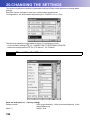
Reflector:
Const.:
Prism/Sheet/N-Prism
-99 to 99 mm
• When selecting "N-Prism" in "Reflector", prism
constant correction values are set to "0"
automatically.
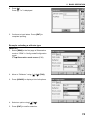
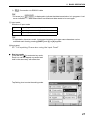
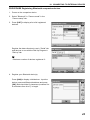
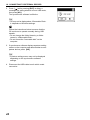
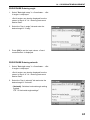
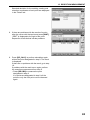
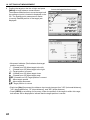
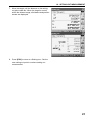
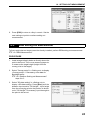
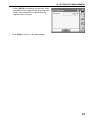
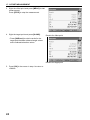
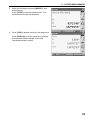
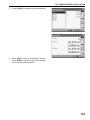
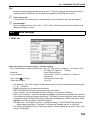
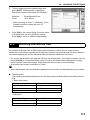
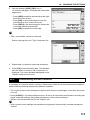
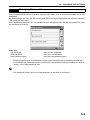
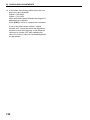
3. Press [OK] in the screen of step 2 to save edited
information and return to <Reflector setting>.
Press [OK] to return to <EDM configurations>.
20.4
Allocating User-defined Tabs
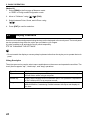
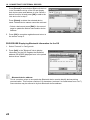
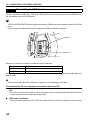
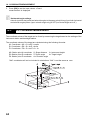
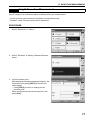
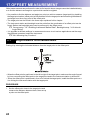
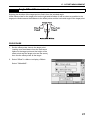
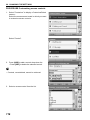
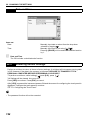
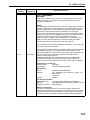
It is possible to allocate tabs in Observation mode and Menu mode to suit the measurement
conditions. It is possible to operate the OS efficiently because unique tab allocations can be preset to
suit various applications and the ways that different operators handle the instrument.
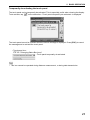
• The current tab allocations are retained until they are revised again, even when the power is cut off.
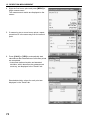
• Press [CLEAR] in <Customize/Select screen> to return all customized configurations including
screen controls, status bar settings, and softkey allocations to their previous settings.
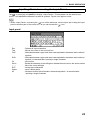
• One screen can contain a maximum of 5 tabs.
G
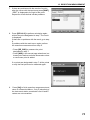
• When tab allocations are recorded and registered, the previously recorded tab settings are cleared.
I
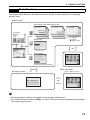
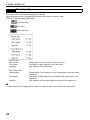
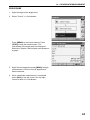
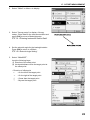
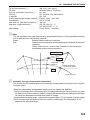
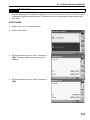
Tab allocations
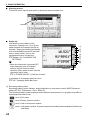
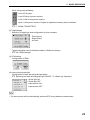
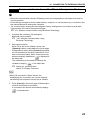
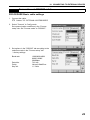
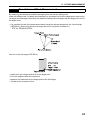
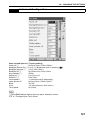
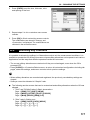
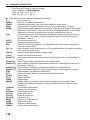
The following are tabs allocated when the OS was shipped and tabs that can be defined by the
user.
• "Basic observation"
Factory settings
User-definable tabs
SHV
SHV
SHVdist
SHVdist
Graphic
SHV + Coord.
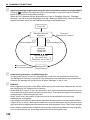
• Setting out
Factory settings
User-definable tabs
Obs.
Obs.
Graphic
113