1
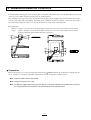
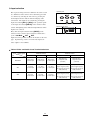
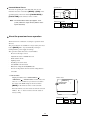
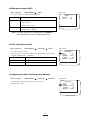
Selection of preset No. and move No. <MEMORY>
· Menu sequence <MAIN MENU>
<MEMORY>
<PRESET NUM.>
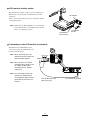
Select the No. in which you want to save the operation status of the
Presenter in PRESET.
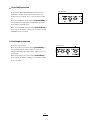
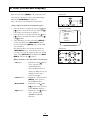
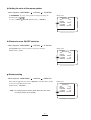
· Menu sequence <MAIN MENU>
<MEMORY>
<MOVE NUM.>
Select the No. from which you want to call the operation status of the
Presenter in MOVE.
Reference Page
· About the preset and
move operation
P.25
32
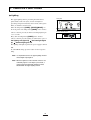
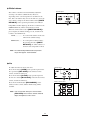
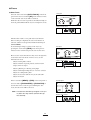
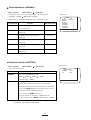
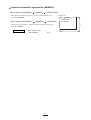
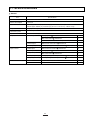
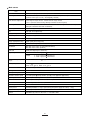
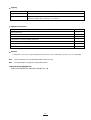
Monitor screen
MEMORY
PRESET NUM.
MOVE NUM.
1
1