1
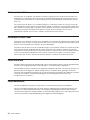
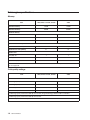
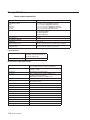
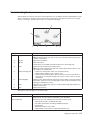
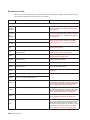
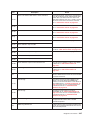
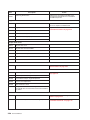
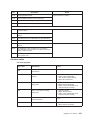
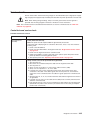
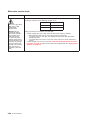
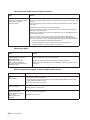
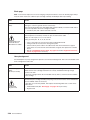
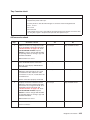
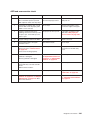
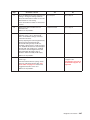
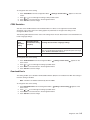
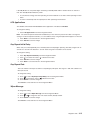
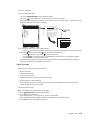
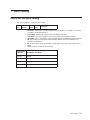
Button
Function
Right arrow
Scrolls right
Submit
Saves a value as the new user default setting
Submit
Back
Navigates back to the previous screen
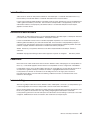
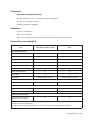
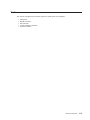
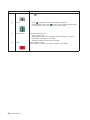
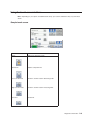
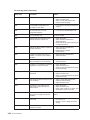
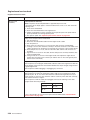
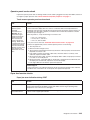
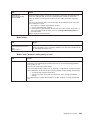
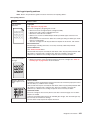
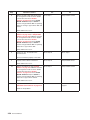
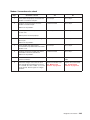
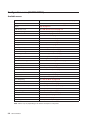
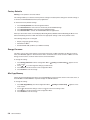
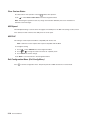
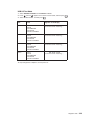
Other touch-screen buttons
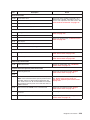
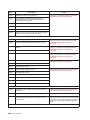
Button
Function
Down arrow
Moves down to the next screen
Up arrow
Moves up to the next screen
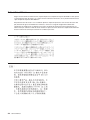
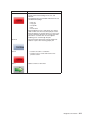
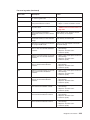
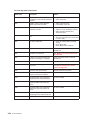
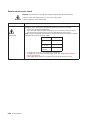
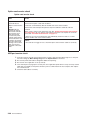
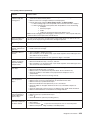
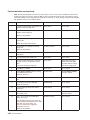
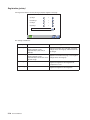
Unselected radio button
This is an unselected radio button. The radio button is
gray to show it is unselected.
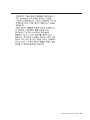
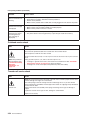
Selected radio button
This is a selected radio button. The radio button is
blue to show it is selected.
2-10 Service Manual