1
Using the Software
Note
This monitor driver is under certifying MS logo, and this installation doesn't damage your
system.
The certified driver will be posted on Samsung Monitor homepage.
http://www.samsung.com/
Installing the Monitor Driver (Manual)
Microsoft® Windows Vista™‚ Operating System
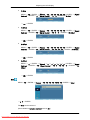
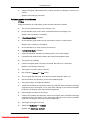
1.
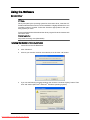
Insert your Manual CD into your CD-ROM drive.
2.
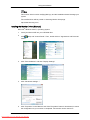
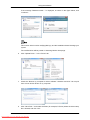
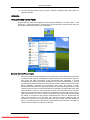
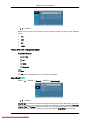
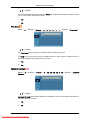
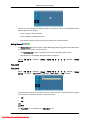
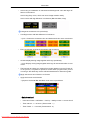
(Start) and "Control Panel". Then, double-click on "Appearance and PersonalClick
ization".
3.
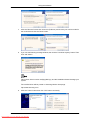
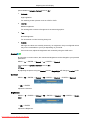
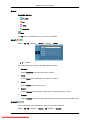
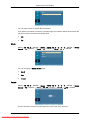
Click "Personalization" and then "Display Settings".
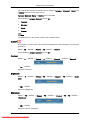
4.
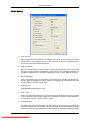
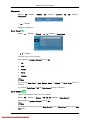
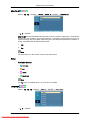
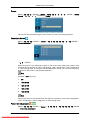
Click "Advanced Settings...".
5.
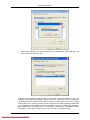
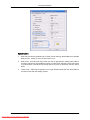
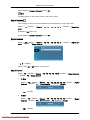
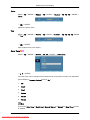
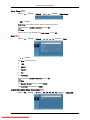
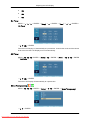
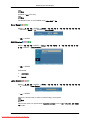
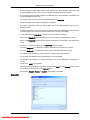
Click "Properties" in the "Monitor" tab. If the "Properties" button is deactivated, it means
the configuration for your monitor is completed. The monitor can be used as is.
Downloaded From TV-Manual.com Manuals