1
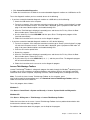
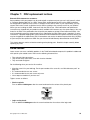
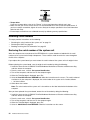
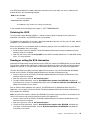
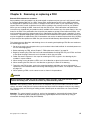
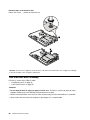
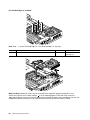
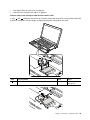
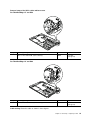
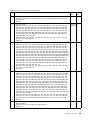
Removal steps of the microprocessor
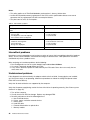
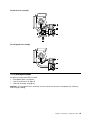
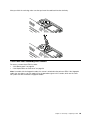
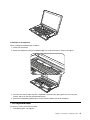
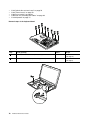
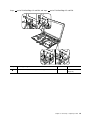
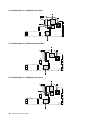
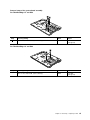
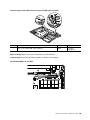
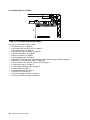
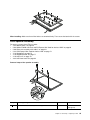
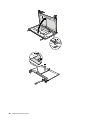
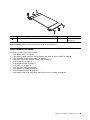
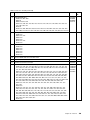
Rotate the head of the screw in the direction shown by arrow 1 to release the lock; then remove the
microprocessor 2 .
1
a
2
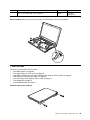
When installing: Place the microprocessor on the microprocessor socket, and then rotate the head of the
screw in the direction shown by arrow a to secure the microprocessor.
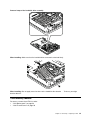
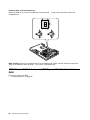
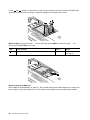
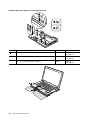
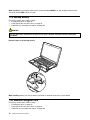
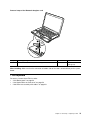
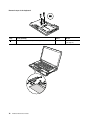
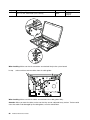
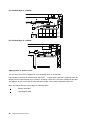
1080 Wireless WAN slot cover and PCI Express Mini Card for wireless
WAN
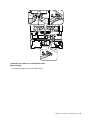
For access, remove this FRU:
• “1010 Battery pack” on page 58
66
Hardware Maintenance Manual