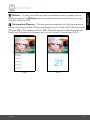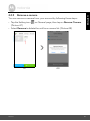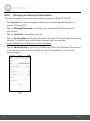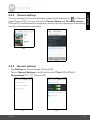
1
Camera settings
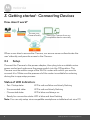
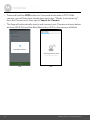
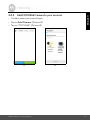
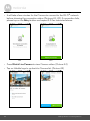
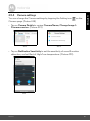
You can change the Camera settings by tapping the Setting icon
Camera page. (Picture A18)
ENGLISH
4.2.4
on the
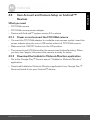
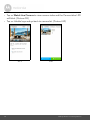
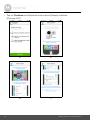
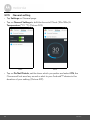
• Tap on Camera Details to review Camera Name, Change Image &
Firmware version. (Picture A19)
A18
A19
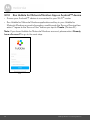
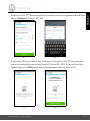
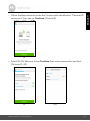
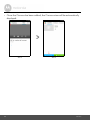
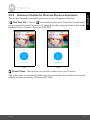
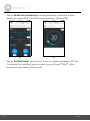
• Tap on Notification Sensitivity to set the sensitivity of sound & motion
detection, and set Alert of High/Low temperature. (Picture A20)
A20
Camera
25