1
AXIS Q7406 - Event Configuration
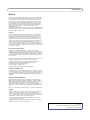
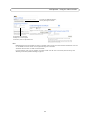
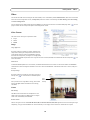
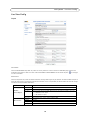
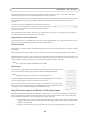
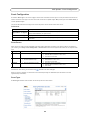
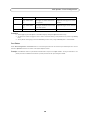
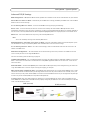
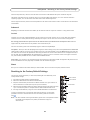
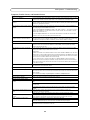
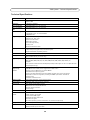
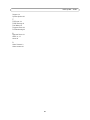
Object Size
History
Sensitivity
An object that appears in the region
will trigger the motion detection for
a long period
Ordinary colored objects on ordinary
backgrounds will trigger the motion
detection
High level
Only very large objects
trigger motion detection
Low level
Even very small objects An object that appears in the region Only very bright objects on a dark
trigger motion detec- will trigger motion detection for only background trigger motion detection
tion
a very short period
Default value
Low
High
High
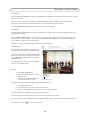
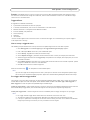
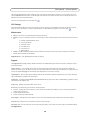
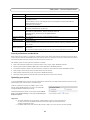
Examples:
•
•
•
Avoid triggering on small objects in the video image by setting the object size level to high.
To reduce the number of triggers if there is a lot of movement during a short period of time, select a high history
level.
To only detect flashing light, select low sensitivity. In other cases, a high sensitivity level is recommended.
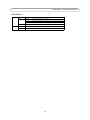
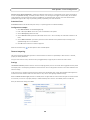
Port Status
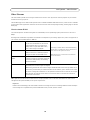
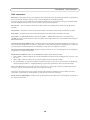
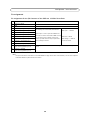
Under Event Configuration > Port Status there is a list showing the status for the camera’s input and output. This is for the
benefit of Operators who have no access to the System Options section.
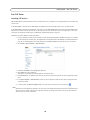
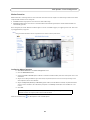
Example: If the Normal state for a push button connected to an input is set to Open circuit - as long as the button is not
pushed, the state is inactive. If the button is pushed, the state of the input changes to active.
28