1
Load the Paper
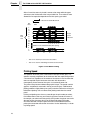
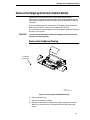
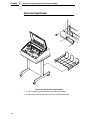
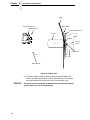
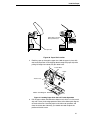
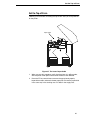
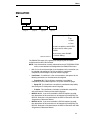
Paper Slot is 8 inches
below printer base
Paper Slot
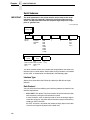
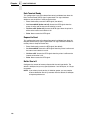
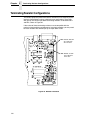
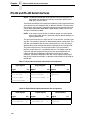
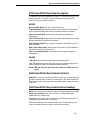
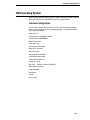
Figure 30. Paper Slot Location
2. Feed the paper up through the paper slot. Hold the paper in place with
one hand (to prevent it from slipping down through the paper slot) while
pulling it through from above with your other hand.
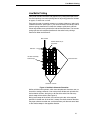
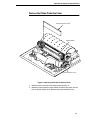
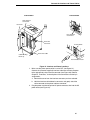
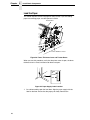
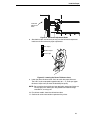
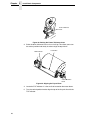
Tractor Door
Paper
Tractor Lock
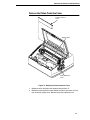
Ribbon Path Diagram
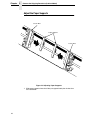
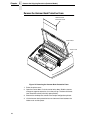
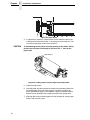
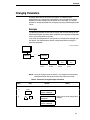
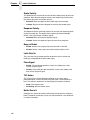
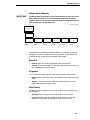
Figure 31. Loading Paper Onto the Left Tractor Sprockets
3. Pull the paper above and behind the ribbon mask, which is a silver metal
strip with a clear plastic edge protector. Refer to the ribbon path diagram
on the shuttle cover. Load the paper on the left tractor sprockets and
close the tractor door. Normally, you should not need to adjust the
position of the left tractor.
41